
Grid Configuration
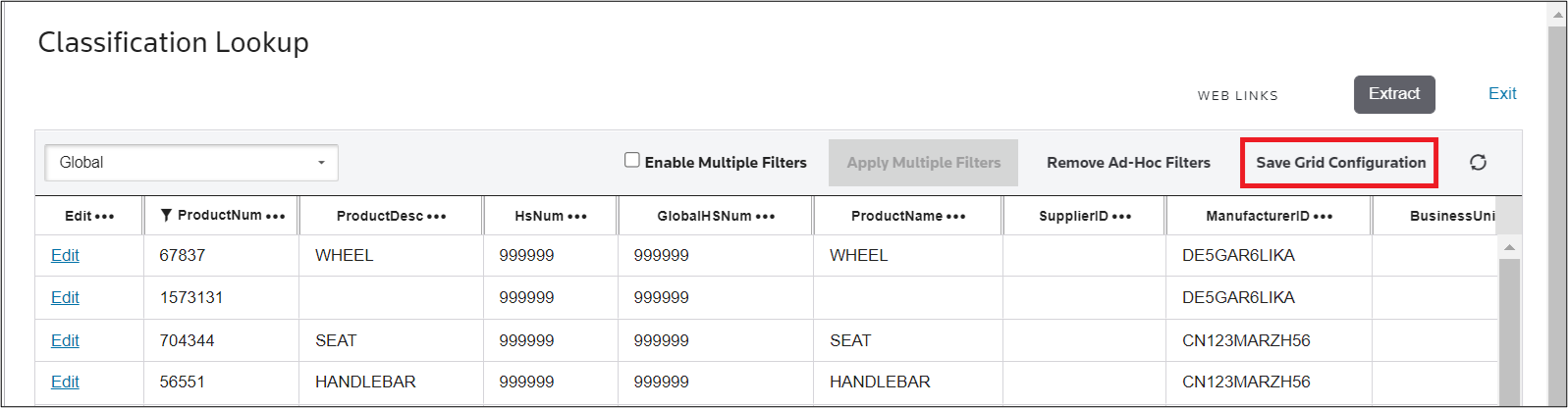
To save the grid’s current configuration, click
Save Grid Configuration
. The next time the grid is opened, it will load with all saved parameters (filtering, fitting, column configuration, etc.) already applied. 
To restore the grid to its original configuration, click
x
next to Save Grid Configuration
.
Related Content
-
Product Lookup
Format: Article