
Change your password
- Select your username.
- Go toUser settingsto open theUsersscreen.
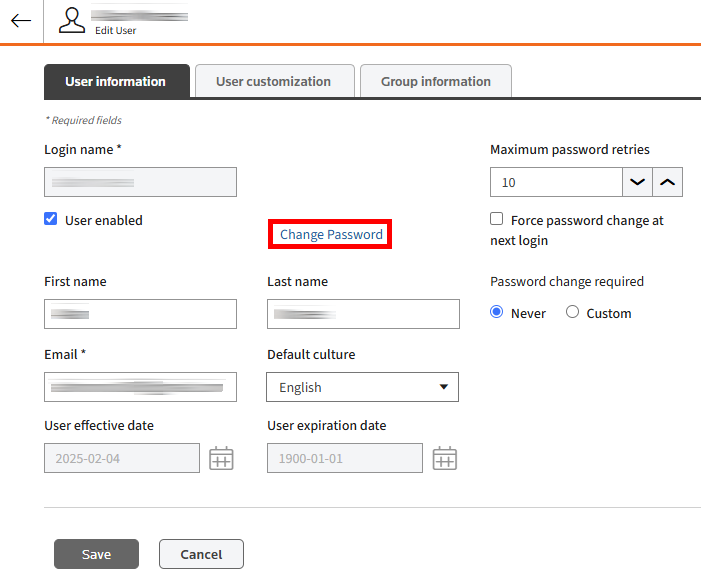
- Choose the user you want to change the password and selectEdit user
.
- SelectChange Passwordbutton to open theUser password changepop-up.
- Enter your current password and then enter a new password that follows the specified format.
- When you finish making changes, selectSave.
Related Content
-
User Access and Setup
Format: Article