
User customization tab
The
User customization
tab lets you add personal settings like time zone, country, and screen themes to an account. The highlighted checkboxes give access to useful buttons at the top of the screen, including:- Show notifications
- Show email support link
- Show alerts
- Show messages

- If you check theShow alertsand theShow messagesboxes, theAlerts
 and Messages
 icons appear in the navigation panel, visible in all screens.
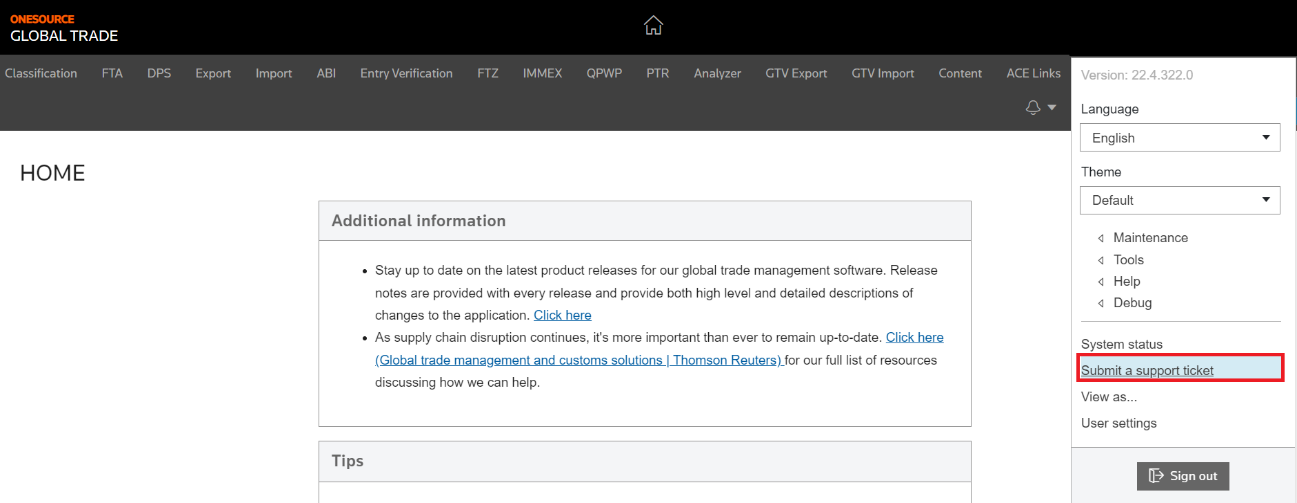
 - If you check theShow email support linkbox, theSubmit a support ticketicon appears in the user menu:
 Once you finish making changes, select
 Save

Related Content
-
User Access and Setup
Format: Article