
Validation Notes
Validation Notes appear on the report and can be added through the
Entry Validation
screen by clicking View Notes
at the line level.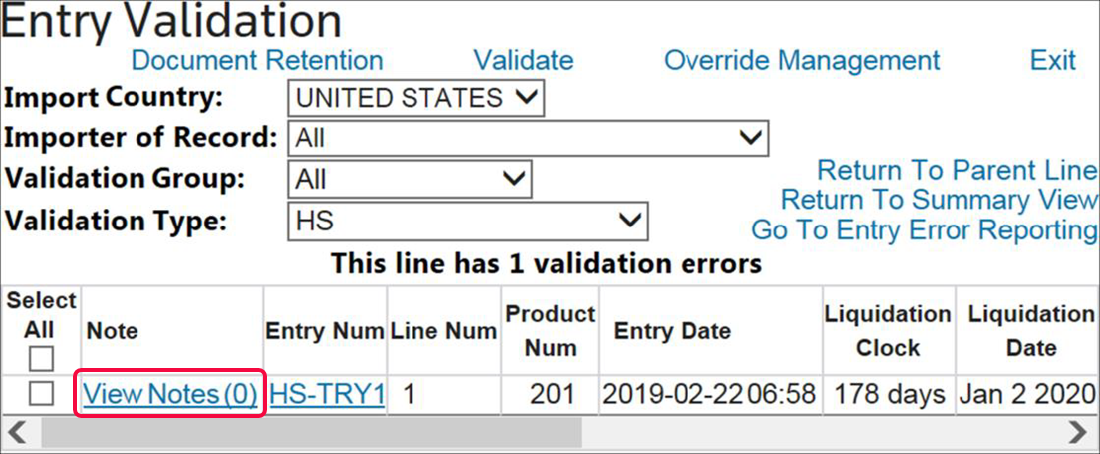
Once saved, email the report. Instructions on how to e-mail the report are provided in the
Emailing an Entry Error Report
section of this User Guide.Note: In order for a report to be sent to a Customs Broker using the e-mail capability in Entry Verification, the document must be saved in the
Document Retention
screen. 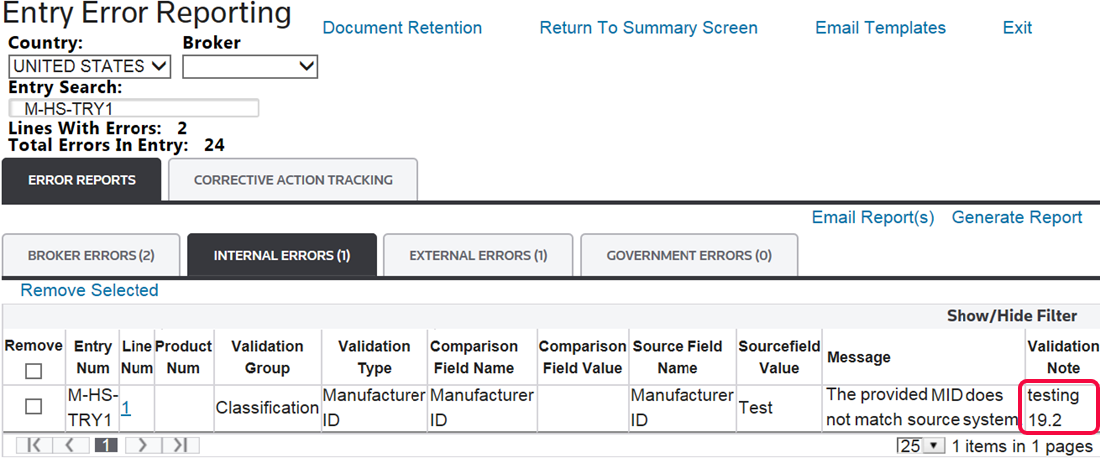
Related Content
-
Entry Error Reporting
Format: Article