
FTA Certificates and Letters - Copying Certificates
Document information can be copied at any point during the creation and generation of certificates and documents. Copies contain the level of information that has been completed up to the point of the copy (partial or full completion).
To copy document data:
- ClickCopyat the top right of theHeader Informationtab to open theCopypop-up.

- Enter a new name for the copied document information.
To create the copy, click
Copy
.To return to the
Header Information
tab without saving the copy, click Cancel.
After
Copy
is clicked, the screen will return to the Header Information
tab with the copied document showing as open. A notification that The information was successfully copied
will display at the top of the screen.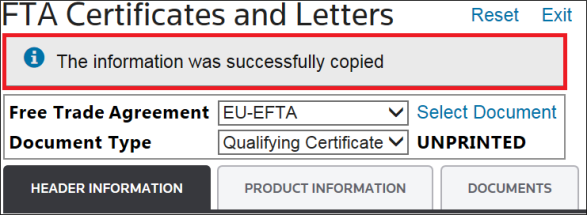
From this point forward, continue with certificate and document generation as normal.
Related Content
-
FTA Certificates and Letters
Format: Article