
FTA Certificates and Letters - Updating or Adding Notes to Product Information
In some instances, you may need to update a certificate or add a note to print with the certificate.
To begin:
- Choose a product from the grid in theProduct Informationtab.
- Choose its correspondingEditlink on the far left. The following fields can be edited via this screen:
- Description
- HS Number
- Producer
- Invoice
- Invoice Date
- Note (Prints on Cert)
- RVCBeginDate
- RVCEndDate
- AccumulationNonOriginatingValue
- CertificationIndicator
- Steel
- Aluminum
- Packaging_flag
- Packing_flag
- Option1
- Option_B

Make any necessary changes.
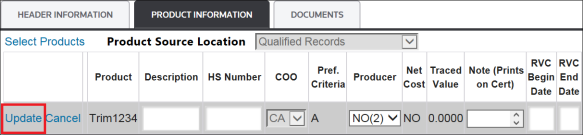
To save changes, click
Update
.
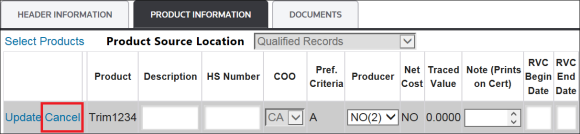
To drop changes, click
Cancel
.
Deleting Products from a Certificate
To delete one or more products from the certificate:
- Select the checkbox of the corresponding product(s) you want to delete.
 importantYou can remove all products by selecting theSelect Allcheckbox.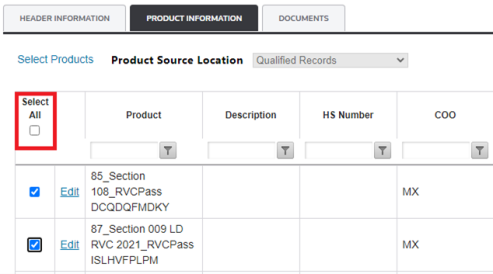
- ClickDelete Selected Products.

- A pop-up will appear asking for confirmation. ClickOkto confirm orCancelto cancel this action.

- By clickingOk, the following message appears.

Related Content
-
FTA Certificates and Letters
Format: Article