
FTA: Solicitation Management - Accepting and Responding to Solicitations
After a solicitation has been created or submitted, you have the ability to accept and respond. Solicitations can also be single agreement or multiple agreement.
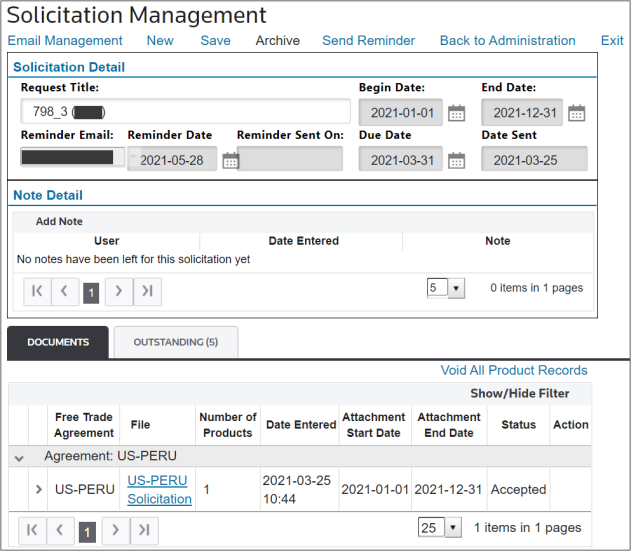
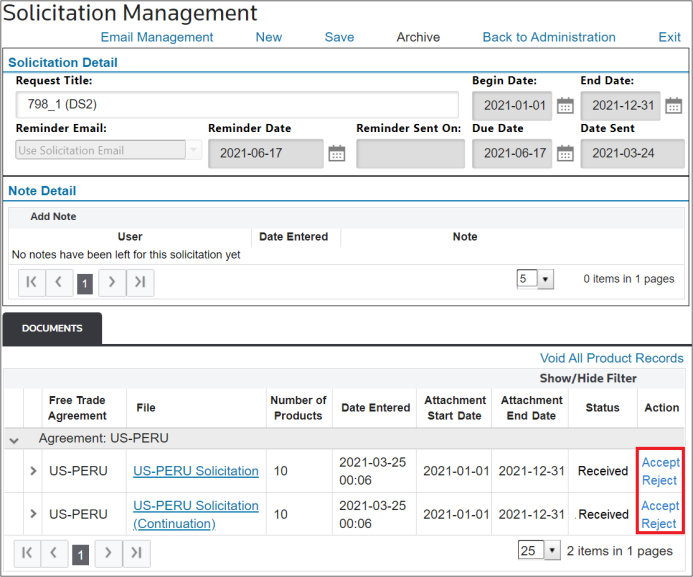
When the document is accepted or rejected on a combined solicitation, this action will be replicated to the products on the original solicitations.
It is also possible to filter the columns on this screen, namely by clicking on the
Show/Hide Filter
button and utilizing the individual filters as described in other chapters of this help.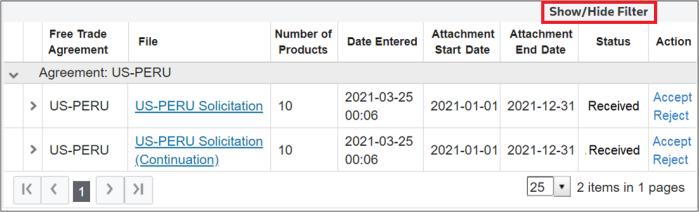
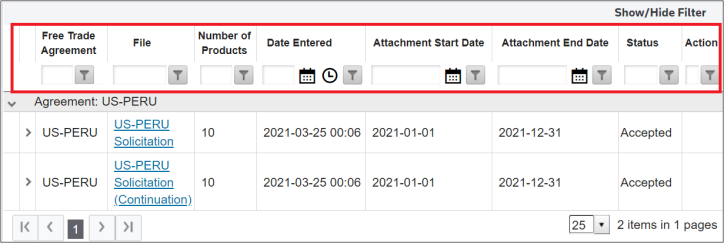
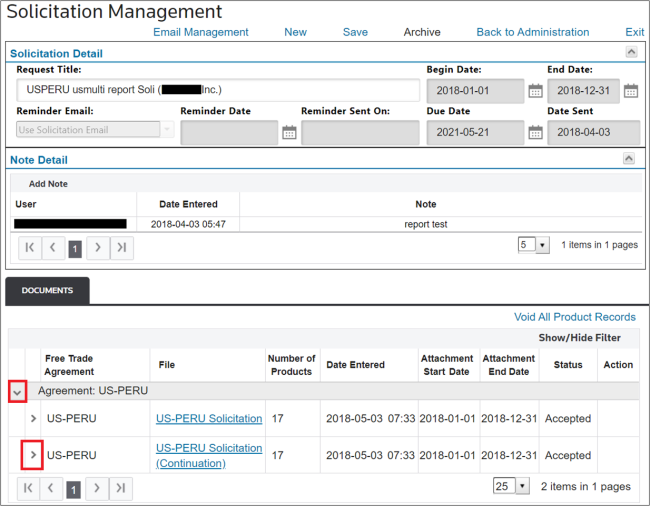
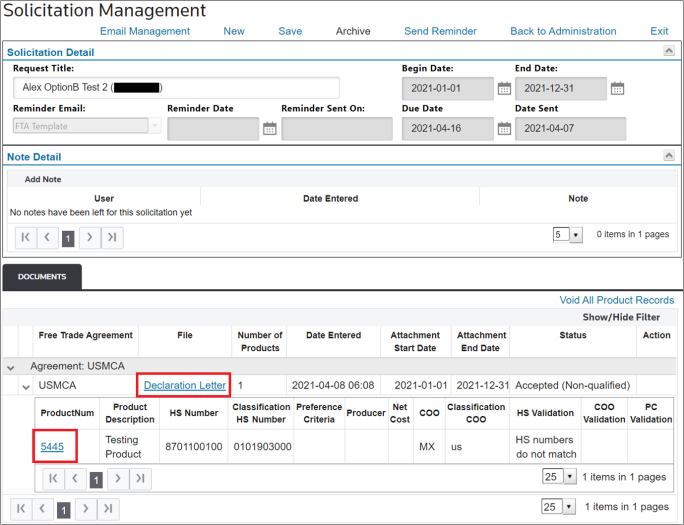
To view more information about a specific solicitation and its related products, choose and click on the expansion arrows provided by agreement and by solicitation.
Related Content
-
FTA: Solicitation Administration
Format: Article