
FTA: Solicitation Management - Selected Products
The image below shows an example of how selected products may appear on the
Selected Products
tab. Since the product grid is configurable, the fields and column headers in your partner may vary. Grids are configured during implementation.
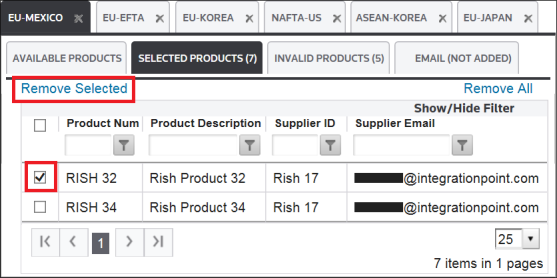
Removing a Selected Product
To remove a selected product:
- Choose a product from the grid to be removed.
- Check its corresponding box to the left.
- ClickRemove Selected.
Removing All Selected Products
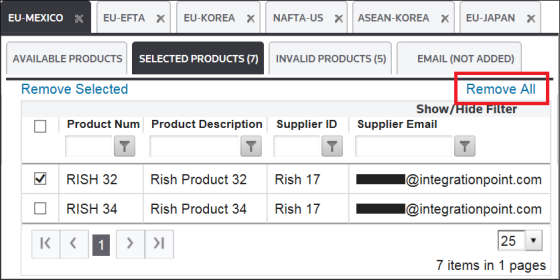
To remove all selected products, click
Remove All
.
Related Content
-
FTA: Solicitation Administration
Format: Article