
FTA: Solicitation Administration - Submit Invalid Products
Suppliers ignore their invalid/obsolete parts and do not select the check box, then they submit the solicitation (only the non-invalid parts).
FTA client accepts the solicitation, blue and the status goes to "not complete" because there are still pending records on the solicitation. Those pending records are invalid/obsolete, only now, those cannot be submitted because in the past there had to be at least one valid part to submit. Which means in the past, clients could submit parts as invalid/obsolete if submitting valid parts, but if they submit the valid ones first, they could not then come back to submit the invalid parts.
If there is a solicitation where it has only Invalid/Obsolete products:

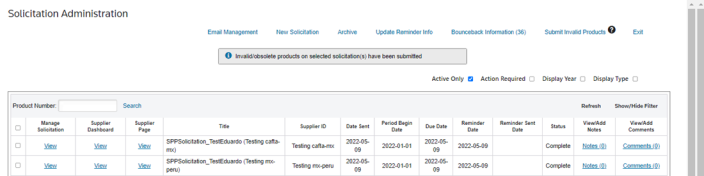
Client can then submit the solicitation with invalid products with other solicitations:
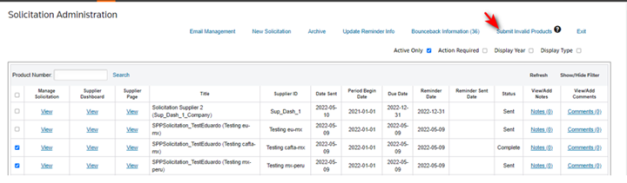
important
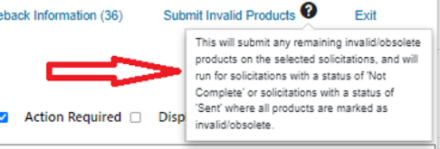
There is a question mark next to the link that will provide the user with a tip the function of clicking the link. You can hover over the question mark to display the tooltip.
Related Content
-
FTA: Solicitation Administration
Format: Article