
FTZ Management: Assignment - CF7501-06/08 to US, CA, MX Shipments
The
CF7501-06 Entry to US Shipments
screen is used for assigning entry numbers to U.S. and/or NAFTA shipments, as well as negative adjustments. This screen can be accessed by choosing CF7501-06 Entry to US Shipments
from the Assignment
menu.To assign an entry number to a shipment or negative adjustment:
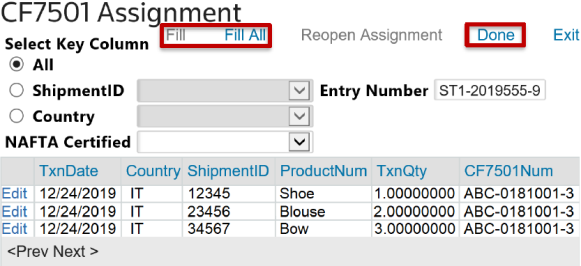
- Determine the key column:ShipmentIDorCountry.
- After the key column is specified, use the drop-down to choose aShipment IDor Country and clickFill.
- To assign this data to a single CF7501 entry, chooseAlland clickFill All.
- After everything has been assigned, clickDone.
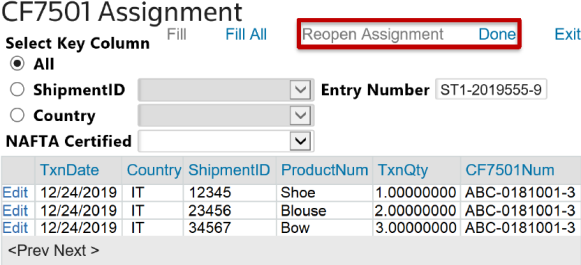
- After clickingDone, clickReopen Assignment. This will re-enable the screen so the user can make any necessary changes to the assignment.
 Article