
FTZ Management: Assignment - CF7512 Entry to Export Shipments (CF7512 Assignment)
The
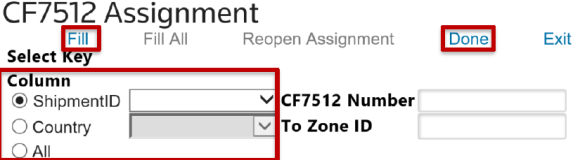
CF7512 Assignment
screen is used for assigning CF7512 numbers and Zone IDs to shipments. This screen can be accessed by choosing CF7512 Entry to Export Shipments
from the Assignment
menu.To assign the CF7512 number and To Zone ID (if applicable) to a shipment:
- Determine the key column:ShipmentIDorCountry.
- After the key column is specified, use the drop-down to choose aShipment IDorCountry, then clickFill.
- To assign this data to all CF7512 transactions, clickFill All.
- After everything has been assigned, clickDone”.
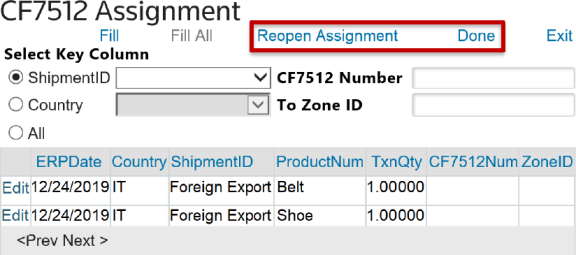
- After clickingDone, clickReopen Assignment. This will re-enable the screen so the user can make any necessary changes to the assignment.
 Article