
FTZ Management: Maintenance - Cotton Exemption
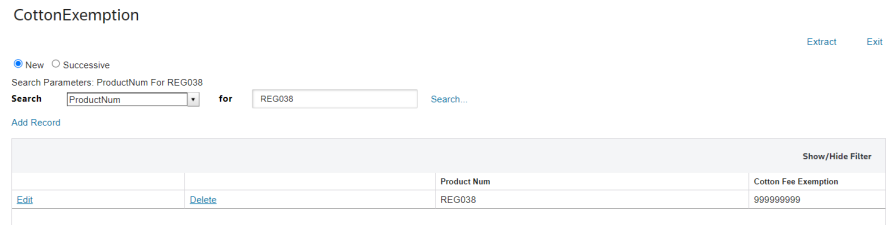
The Cotton Exemption screen is used for maintaining and updating products that US Customs allows for Cotton Fee Exemptions. This screen displays all the Product Numbers that you have designated with a Cotton Fee Exemption and allows you to add, modify, or delete Product Numbers as needed. This screen can be opened by choosing Cotton Exemption from the Maintenance menu.
Information that is provided for update includes Product Number and Cotton Fee Exemption. This data is used for Customs reporting purposes.
To perform a search for a specific Product Number or Cotton Fee Exemption.
- Choose a column header to search in the Search drop-down.
- Set the data parameters.
- ClickSearch.... Searches can either be new or successive.
ADDING A NEW COTTON FEE EXEMPTION
To add a Product Number to the system.
- ClickAdd Record.
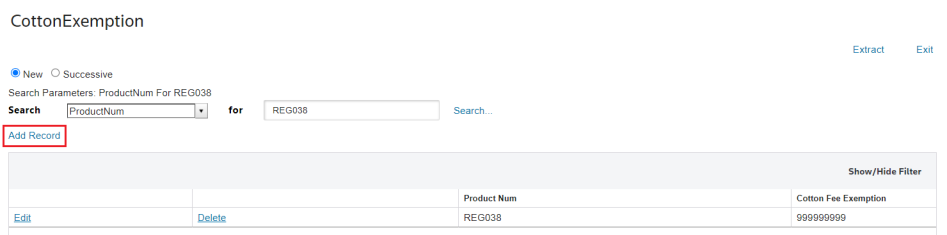
- Enter the new Cotton Fee Exemption data and clickInsert.

MODIFYING AN EXISTING COTTON FEE EXEMPTION
To modify an existing Cotton Fee Exemption.
- Locate theProduct Numberin theProductNumcolumn.
- ClickEdit.
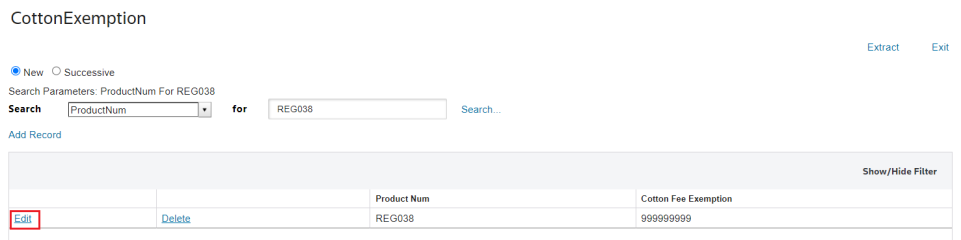
- Make any necessary changes, and clickUpdate.

DELETING AN EXISTING COTTON FEE EXEMPTION
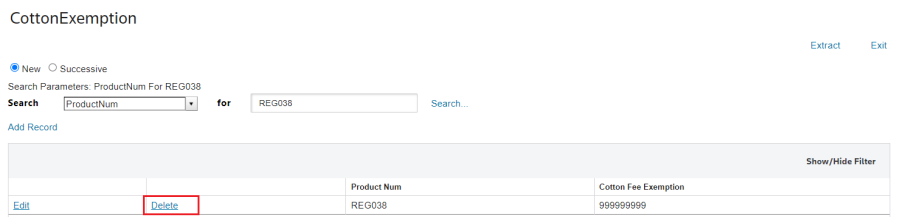
To delete a cotton fee exemption.
- Choose aProductNumfrom the grid.
- ClickDeleteon the left.
 Article