
FTZ Management: PreReceipt - Pre-Receipt Correction Screen (PreReceiptInvoice)
The
PreReceipt Correction
screen gives the user the ability to view and edit all pre-receipt transactions that occurred within a set amount of days. The standard number of days is fifteen business days but can be configured during implementation.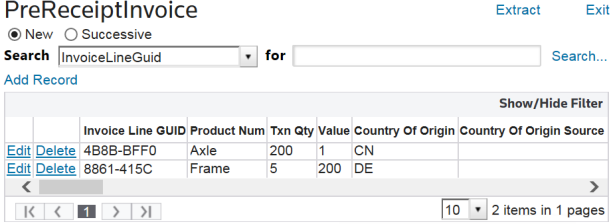
Filtering Staging Transactions
To filter staging transactions:
- Choose a filter option from theSearchdrop-down.
- Specify the search criteria in theforbox.

If the search results need to be filtered further, the
Show/Hide Filter
is also available and allows the user to filter by any column in the grid.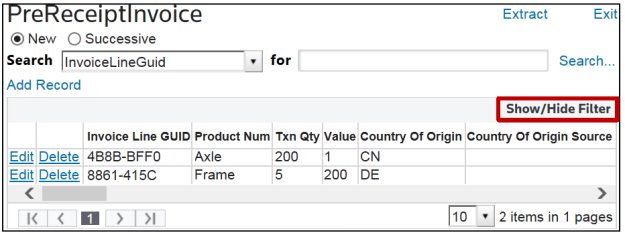
Modifying a Staging Transaction
To edit a transaction:
- Click theEditbutton to the left of the record.
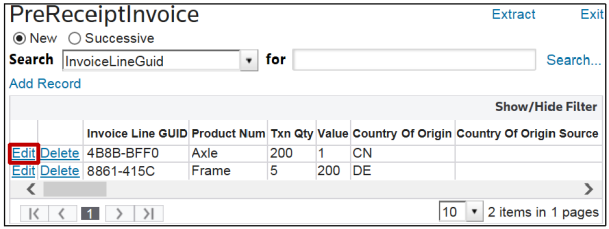
- Make any necessary changes, and then clickUpdate.

Deleting a Staging Transaction
To delete a transaction:
- Click theDeletebutton to the left of the record.
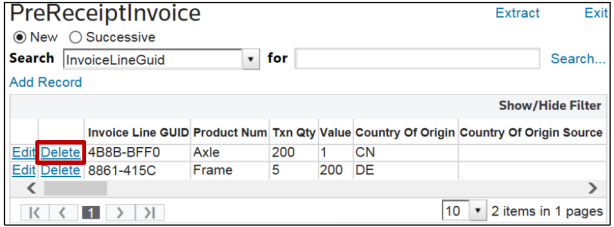
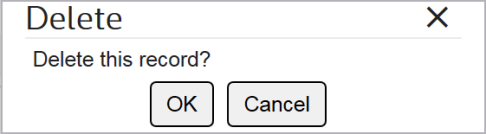
- When the confirmation pop-up box appears, confirm the delete by clickingOK.
Related Content
-
FTZ Management: PreReceipt Processing Overview
Format: Article