
Reviewing Changes
To review changes prompting an audit classification, choose and click on a Product Number from the
ProductNum
column.
Clicking on a Product Number will open a pop-up containing the audit log for the selected product.

After reviewing the changes, select the appropriate records to approve by checking their corresponding boxes on the far left.

To approve all records, check the
Select All
box above the grid.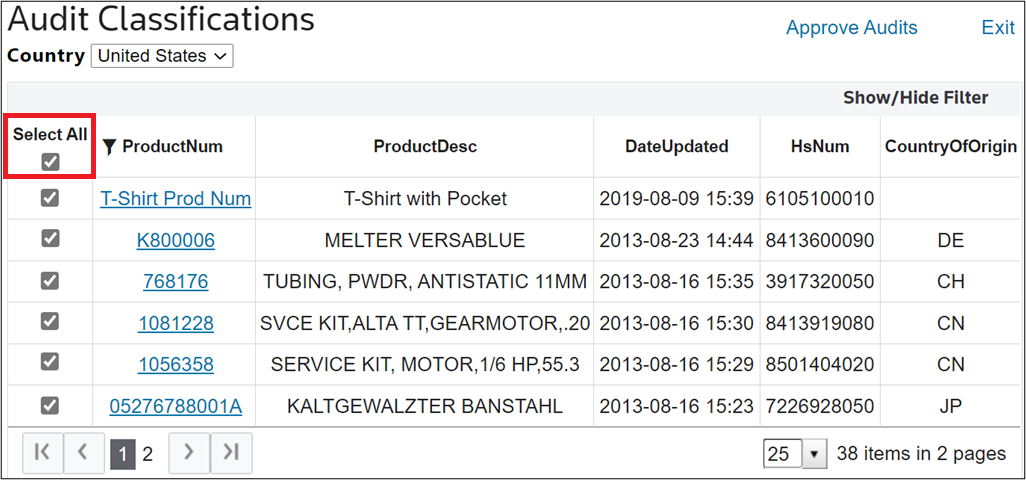
To submit an approval, check the boxes of one or more approvals in the leftmost column and then click the
Approve Audits
button.
Once a record is submitted, it no longer appears on the
Audit Classifications
screen. It will only reappear if a trigger field in the record is modified at a later date. If the Audited By
and/or AuditDate
field is visible for that record, the username and/or date will be populated to indicate that the record was audited.