
Updating an Existing Product
To update an existing product, choose one or more product from the
Classification Assignment
grid and click their corresponding checkboxes on the far left.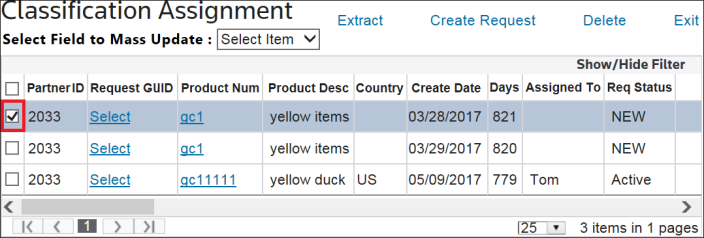
In the
Select Field
to Mass Update
drop-down, select Assigned
To.
Another drop-down with authorized associate names will appear. Choose a name from the list and then click
Update
.
The grid will automatically refresh to reflect the new assignment information.