
Calculate (Pedimento) Expiration Date
The
Calculate Expiration Date
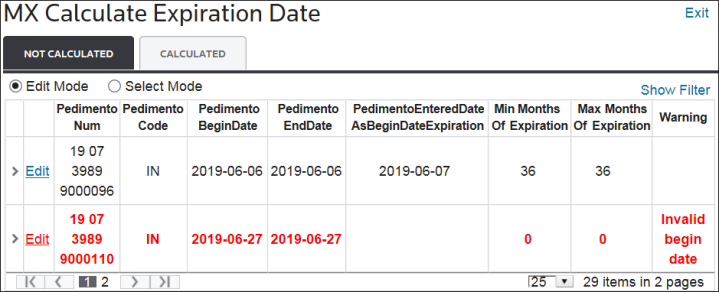
screen has two tabs, each of which has a different purpose.Tabs | Description |
|---|---|
Not Calculated | This tab can be used to make pedimento calculations based on material expiration dates and pedimento types. |
Calculated | This tab can be used to recalculate pedimento expiration dates. |
These tabs are described in more detail in the sub-sections listed below.
Not Calculated
The
Not Calculated
tab contains two modes: Edit
and Select
. Both of which are described below.Edit Mode
If a pedimento contains the default date (1900-01-01), the
Edit
mode can be used to change the date. To modify a default date, choose a pedimento in the grid below and click its corresponding Edit
button.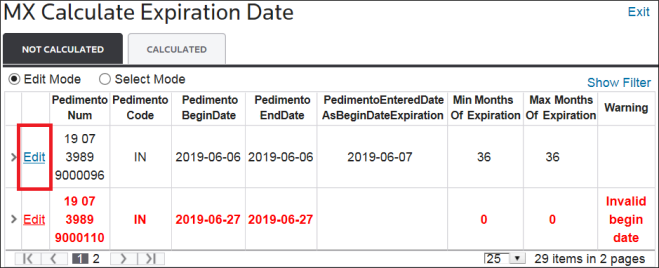
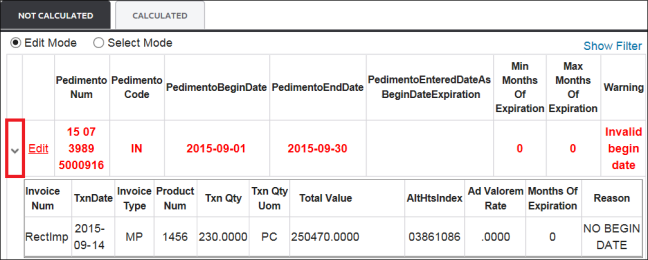
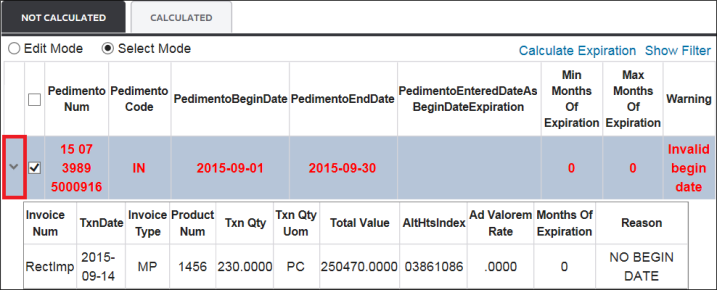
This mode can also be used to view the details of a pedimento. This can be done by clicking the expansion arrow to the far left of a pedimento.
Select Mode
The
Select Mode
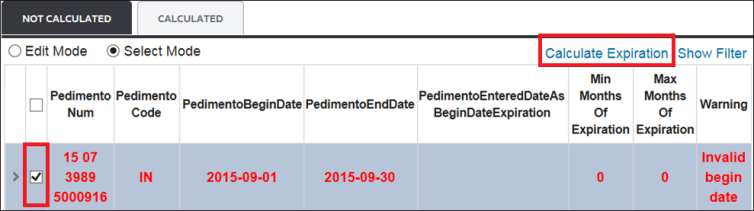
makes it possible to calculate what is left in a pedimento.Select one or more pedimentos from the grid and check the corresponding box(es) on the left.
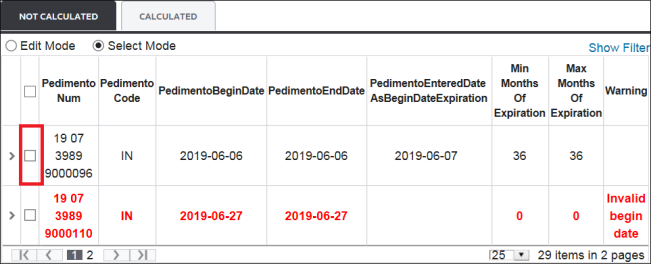
After all, pedimentos to be calculated have been selected, click
Calculate Expiration
.
The system will calculate and move all selected pedimentos to the
Calculated
tab.The below status message will appear on the screen when this process is complete.

It is also possible to view the detail information for the pedimento by clicking its expansion arrow on the far left.
Calculated
The
Calculated
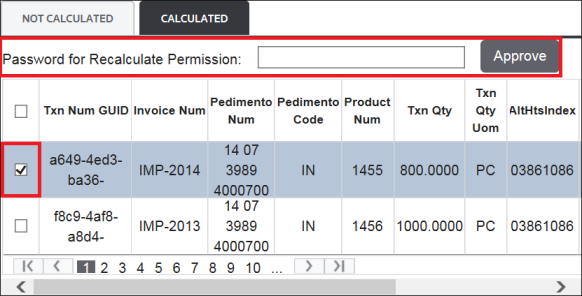
grid shows all pedimentos that have already been calculated as part of the temporarily of goods on a given pedimento. It is also possible to recalculate pedimentos on this grid.To recalculate pedimentos, choose one or more pedimentos from the grid and select their corresponding boxes. Next, enter the recalculation permission password and click
Approve
.If you do not have a password, please reach out to IntegrationPoint@ThomsonReuters.com.
Related Content
-
IMMEX
Format: Article