
ABI: Entry Summary (Entry 7501) - Overview, Creating and Editing Entries
The
Entry Summary
screen is used for viewing the current status of a CF7501 entry, any related submissions, and a link to the detail screen or ABI Responses. This screen can be opened by choosing Entry Summary
from the ABI menu.Creating a New Entry
To create a new entry, select
New Entry
at the top of the screen.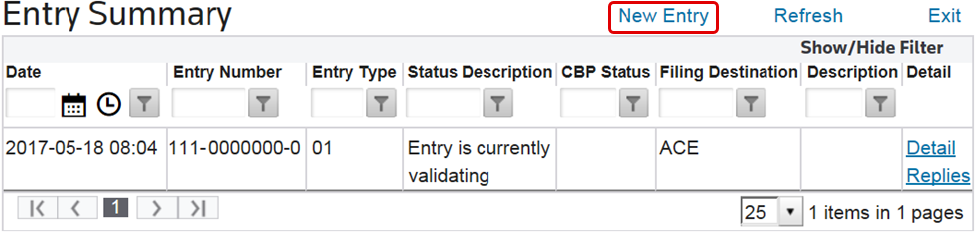
This will open the
Entry 7501
screen. Enter all required information in the provided fields, then click Save
. Fields with a red asterisk (*) are required and cannot be omitted. Save
must be clicked for each tab in order to save all data in the entry.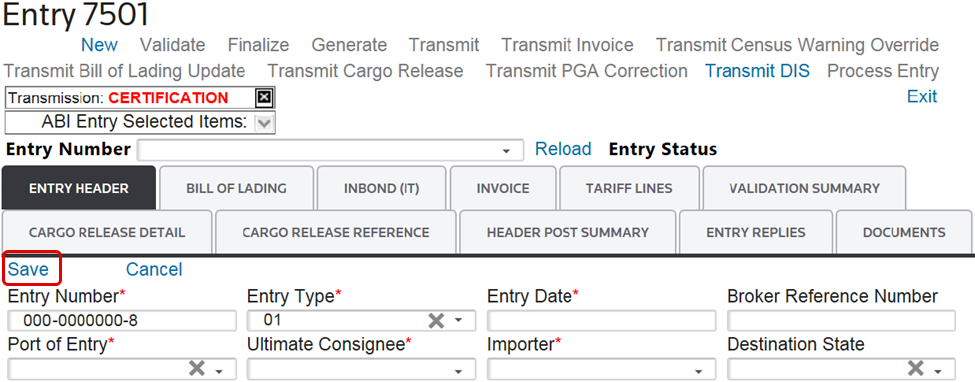
Editing an Existing Entry
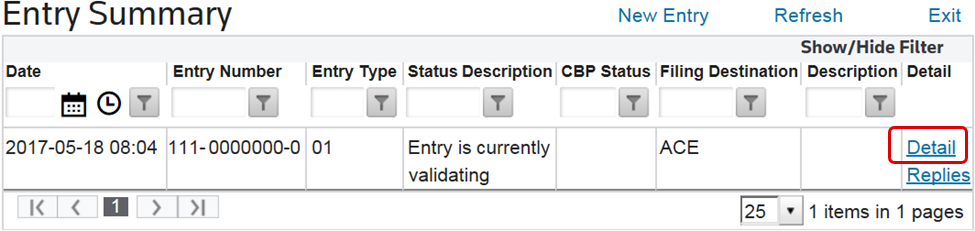
To edit an existing entry, choose an entry in the grid below and click
Detail
.
This will open the
Entry 7501
screen. Make any necessary changes in the provided fields, then click Save
. “Save” must be clicked for each tab in order to save all data in the entry. 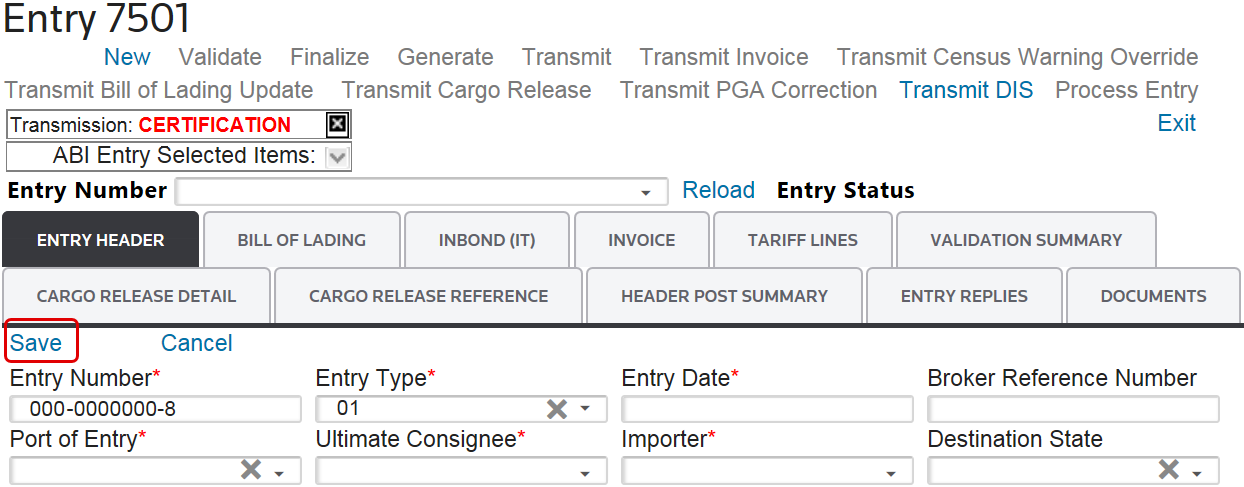
The following sub-sections go into further detail about the
Entry 7501
Screen and its tabs.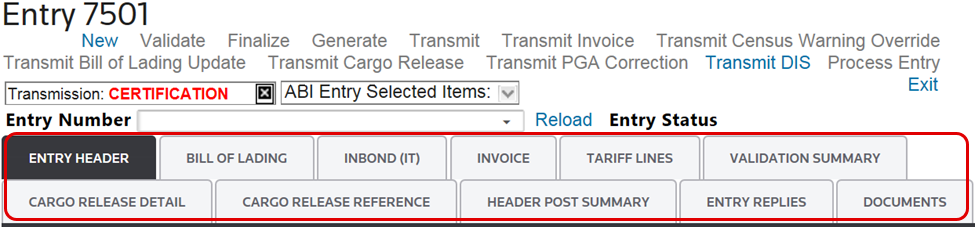
Related Content
-
Automated Broker Interface (ABI)
Format: Article