
Country
The
Country
screen is used for maintaining and updating country information. It displays all the ISO country codes utilized by the subzone and allows the user to add, update, or delete country codes and associated information. This screen can be opened by choosing Country
from the Maintenance
menu.Adding a New Country
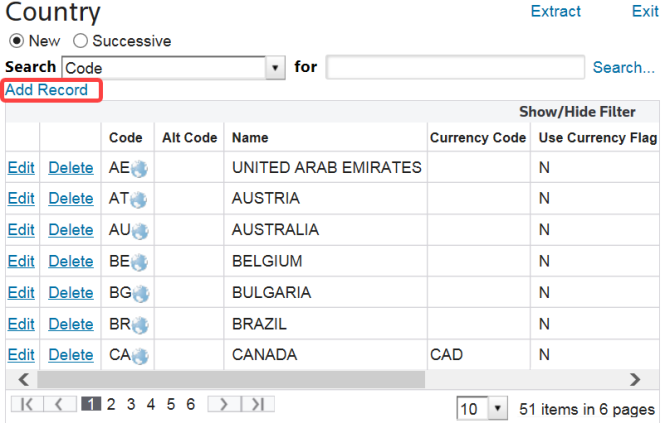
To add a new Country, click
Add Record
.
A new line will appear at the top of the grid. Enter the information, ensuring that the new item is unique from another entry in the system. When finished, click
Insert
. The new record will then appear in the grid.
Modifying an Existing Country
To edit a country, choose a country in the grid and click
Edit
.
At the top of the grid, the fields for this record will become editable. Make the necessary changes and click
Update
.
Deleting an Existing Country
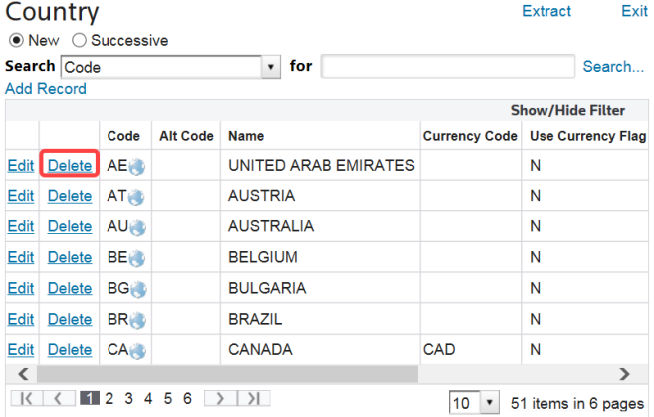
To delete a country, choose a country from the grid and click
Delete
.
Related Content
-
Maintenance
Format: Article