
Global Codes
The
Global Codes
screen ensures consistency and flexibility across the system by providing the ability for the user to define valid values for various fields used throughout the system. This screen can be opened by choosing Global Codes
from the Maintenance
menu.To search for a specific Global Code, choose a column to search by in the
Search
drop-down. Enter a value in the For
field and click Search
…. Searches can be new or successive.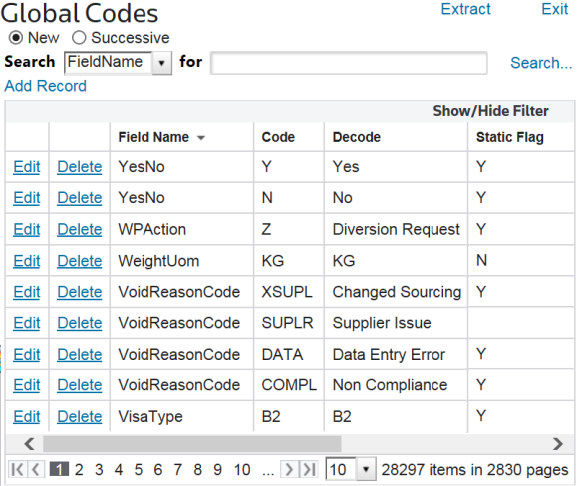
Adding a New Global Code
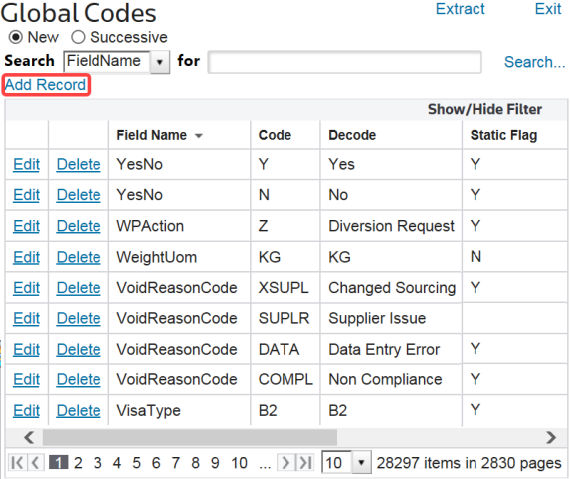
To add a new Global Code (e.g. “Transaction Quantity Unit of Measure), click
Add Record
.
Enter the required values, then click Insert.

Modifying an Existing Global Code
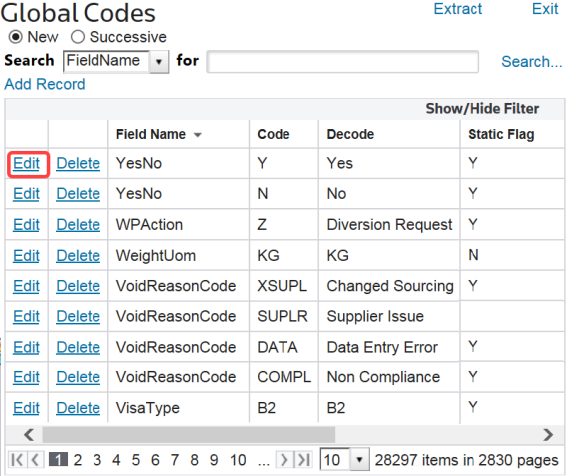
To edit an existing Global Code, determine which global code to modify and click
Edit
.
Make all necessary changes and click
Update
.
Deleting an Existing Global Code
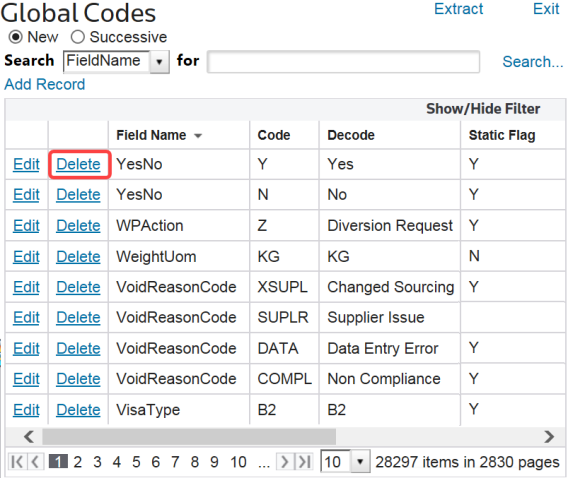
To delete an existing Global Code, determine which global code to modify and click
Delete
.
Related Content
-
Maintenance
Format: Article