
System Default
The
System Defaults
screen is used for updating company and system information. This screen can be opened by choosing System Defaults
from the Maintenance
menu. This screen includes such information as the zone address, associated port, MPF amounts, bond and consignee information, and filer code. This information is used to populate various Customs forms and should be kept current.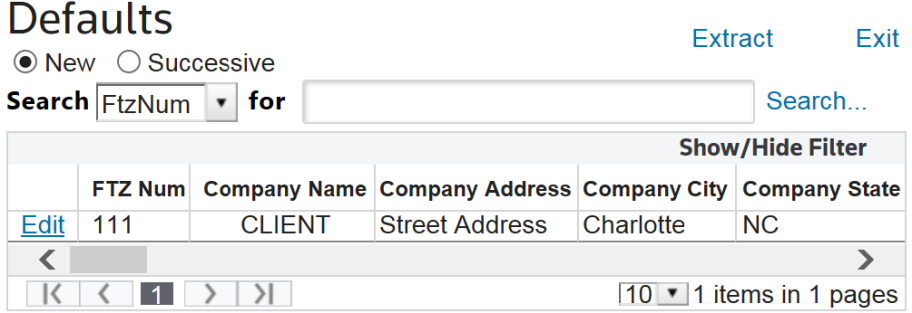
Related Content
-
Maintenance
Format: Article