
Delete Bonded Move (Prior to Transmission to Customs)
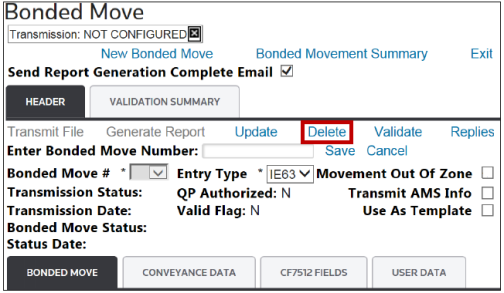
To delete a Bonded Move prior to transmitting to Customs, open a Bonded Move from the
Bonded Move Summary
screen. In the Header
tab, click Delete
.
The system will respond with a confirmation message:
Are you sure you want to delete this Bonded Move from your database?
Click Yes
to delete the record or No
to drop changes.
Related Content
-
Transmitting a Deletion to Customs
Format: Article