
Pro Forma Company
The
Pro Forma Company
screen allows users to save company information for all Shippers and Sellers. This information is then used on the 214 FTZ Admission screen to report the name of the shipper and name of the seller on an admission. All companies that would need to be populated in one of those two fields will need to be stored in the Pro Forma Company
table. This screen can be opened by choosing Pro Forma Company from the Maintenance
menu.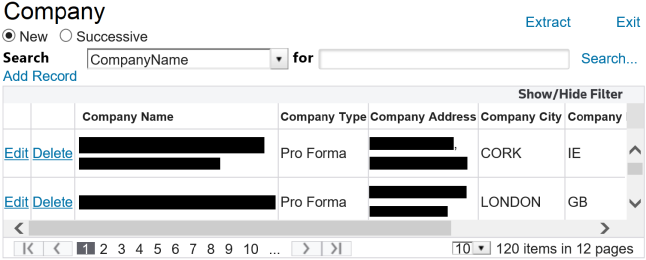
The data from the above screen populates the drop-downs in the
Name of Shipper
and Name of Seller
fields on the 214 FTZ Admission Screen:
Related Content
-
Maintenance
Format: Article