
Reorder sections of a template
- Open a template and select the Reorder icon.

- TheReorder Sectionspage collapses all the content and shows only the section headers.
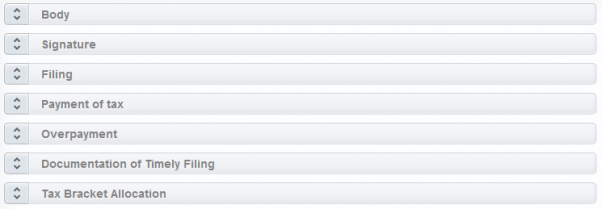
- Drag and drop the section to the new location to reorder the template.
- Select theEditicon to return to edit mode.
- Save the template to save your changes.

