Lock areas of a return
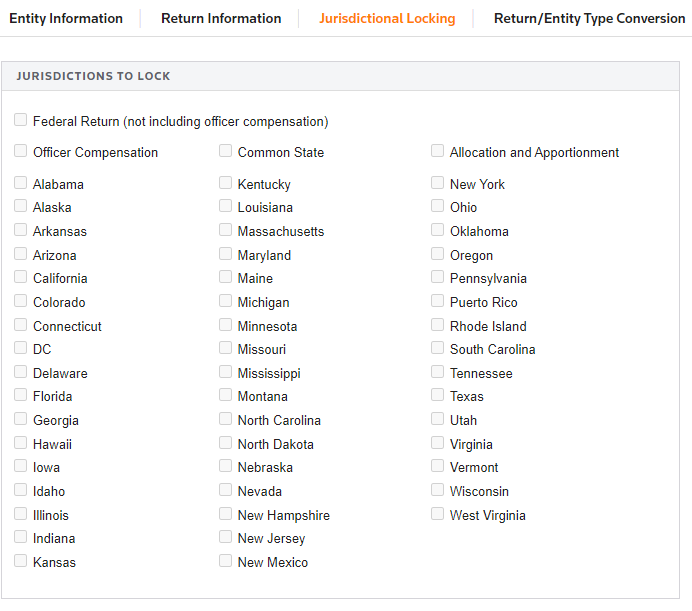
Jurisdictional locking enables you to lock certain areas of a return to prevent further data entry or calculations.
To lock an area of a return:
- Go toOrganizer,General Information, and thenBasic Return Information.
- Select theJurisdictional Lockingtab.
- Select the areas of the return you want to lock.