
Grouping columns
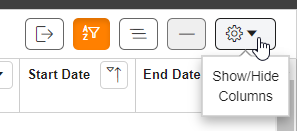
- In the grid controls in the upper right corner, selectShow Group Panelto open the heading pane.
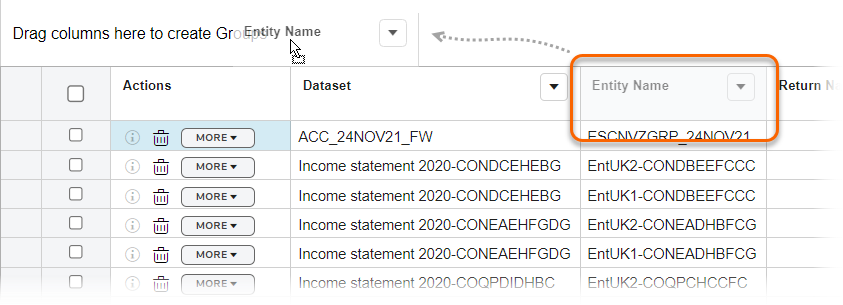
 A labelDrag columns here to create Groupsappears above the column headers.
 - Drag the column headings you want to group into the area next toDrag columns here to create Groups.
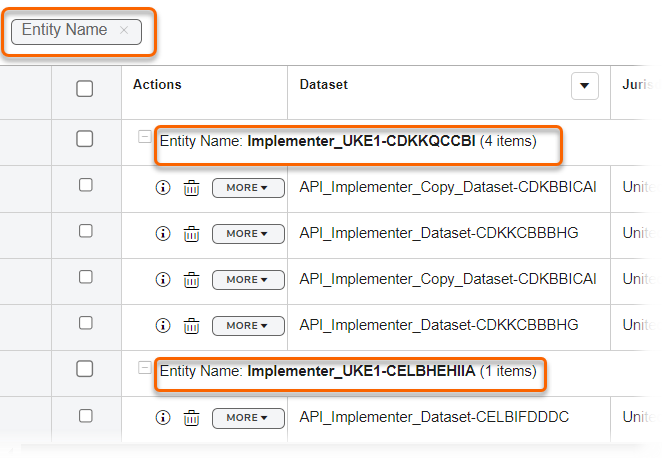
A grouping automatically displays a total for the grouped column. For example, a group by entity name shows the total number in the list per entity name.
Related Content
-
Quick start guide
Format: Article,
1 min read
Article,
1 min read