
Use AI to classify accounts to a financial classification
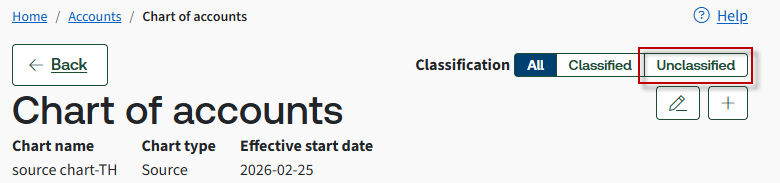
Filter accounts to view those that are
Classified
or Unclassified
.- Go to .
- Select a chart link on theSource chart of accountstab.
- SelectClassify with AIto classify the account codes with the financial classification.
- You can also mark one or more account checkboxes on the Accounts screen.
- SelectProceed. The classification status changes toClassified by AI.
- SelectActionstoApprove,Edit, orRemoveclassifications.noteThe system limits classifications to 2,000 account codes at a time. To classify account codes beyond 2,000, select theUnclassifiedtab to classify the remaining account codes.
 This predicts financial hierarchy mappings for accounts in a Chart of Accounts and analyzes past behavior to suggest financial hierarchy mappings. There's no need to map each account manually across all 4 levels in a Chart of Accounts.
 - To map the financial classification manually, or if you disagree with the AI-provided classification, select the account codes and selectEdit Classification.
- Select yourFinancial Classificationfrom Level 1 to Level 4.noteLevels 1–4 of the financial hierarchy are pre-defined, with a default grouping for the financial hierarchy.
- SelectSave.
Related Content
-
Classification and account rollup details
Format: Article