
Edit a source or summary chart of accounts
Edit the name or type of a source or summary chart of accounts.
You can edit the details of a current chart.
- Go to .
- SelectSource chart of accountsorSummary chart of accounts.
- SelectActions, thenEdit chart.
- Enter the new chart name.
- Switch between aSummary chartorSource chart.
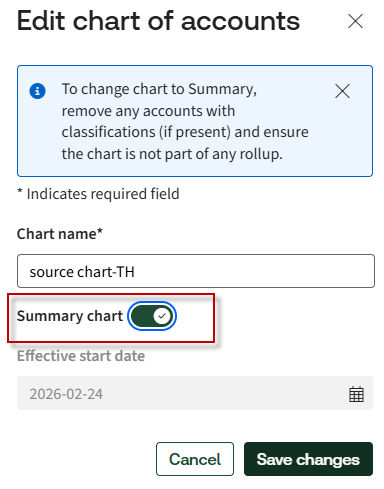 noteRemove accounts with financial hierarchy mappings and ensure the chart is not part of a rollup before switching.
 - SelectSave changeswhen you're done.
- You can also select a chart name to edit a chart.
- SelectEdit
 and make your changes.