
Financial classification
Financial Classification helps you understand account-specific data and map accounts across multiple charts for aggregation, giving you access to consolidated results across various Charts of Accounts.
View a financial classification
To view the financial classification and related accounts:
- Go to .
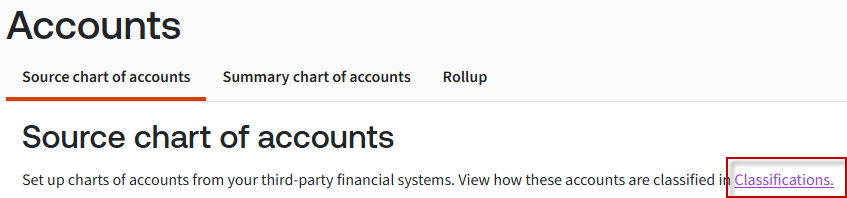
- Select theSource chart of accountsorSummary chart of accountstab.
- Select theClassificationslink.
- View your account classifications in the list.noteClassification is available at Level 1 only for theSummary chart of accounts.
- SelectView accountsto see the account codes mapped to a financial classification.
Add a classification
To add a classification to a
Source chart of acocunt
:- SelectAdd classificationon theClassificationsscreen.
- Select the classification levels, then selectAdd.