
Import accounts to an account rollup
Import CSV files for an
Account rollup
that was previously created, or create new templates that map the data.- Go to .
- Select theRolluptab.
- Select an account rollup link on theChart of accountsorClassificationtab.
- SelectImport.noteSelectUnpublishon aPublishedRollup before proceeding to the next step.
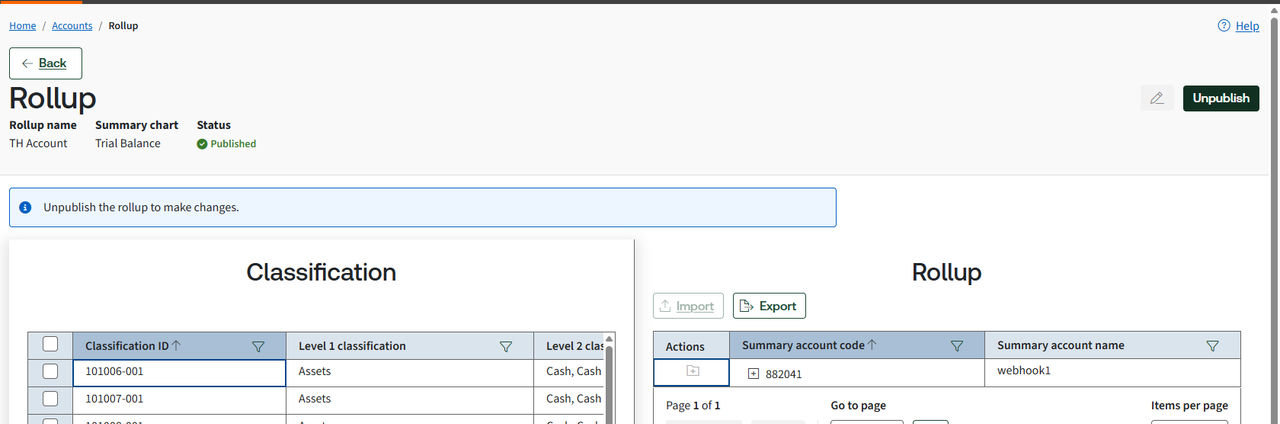
- SelectAdd File, then selectNext.
- Begin to prepare your data on theImport rollupscreen.
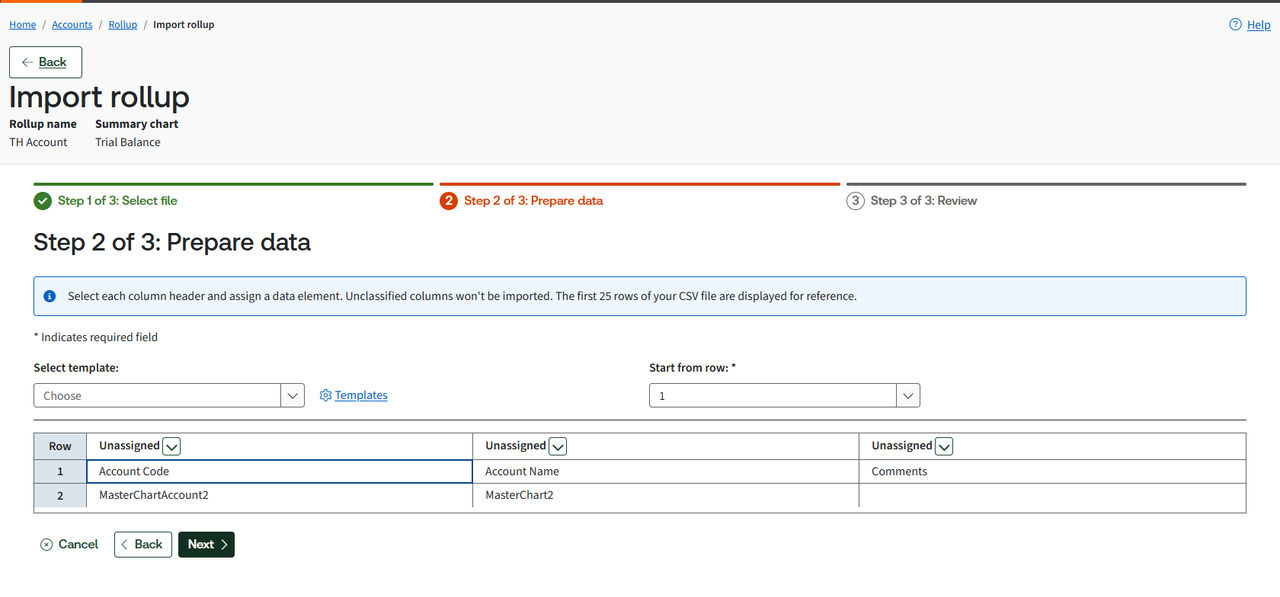
- To create a new template:
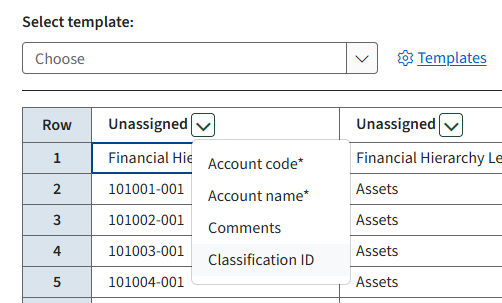
- Select each column header and map theAccount codeandAccount name.Example
- SelectNext.
- Enter a template name, then selectSave & Continue.
- To use an existing template:
- Select a templateto use an existing one, or select the
 link to select another template.noteThetemplate,start row, androw columnsautomatically populate when you use an existing template.
 - SelectNext.
- Review your imported data.
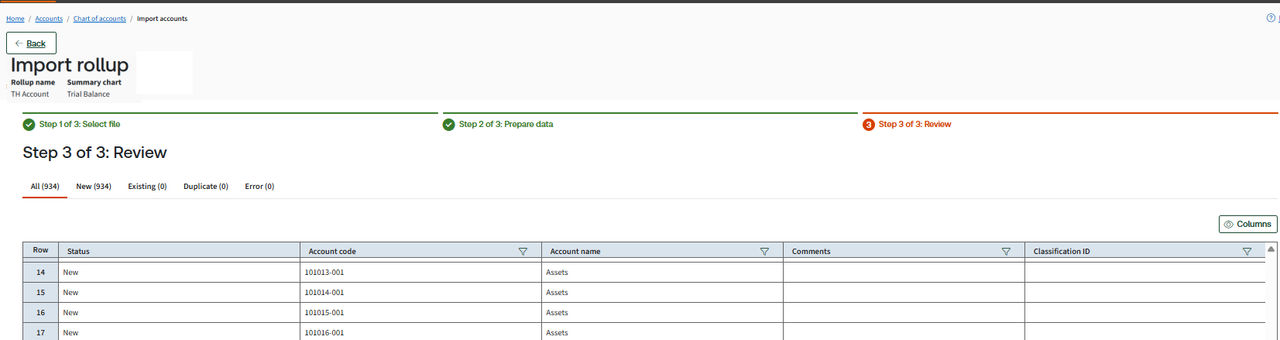
- If you get an error on the import, select the errorDetailslink to view the error and fix them, then import again.
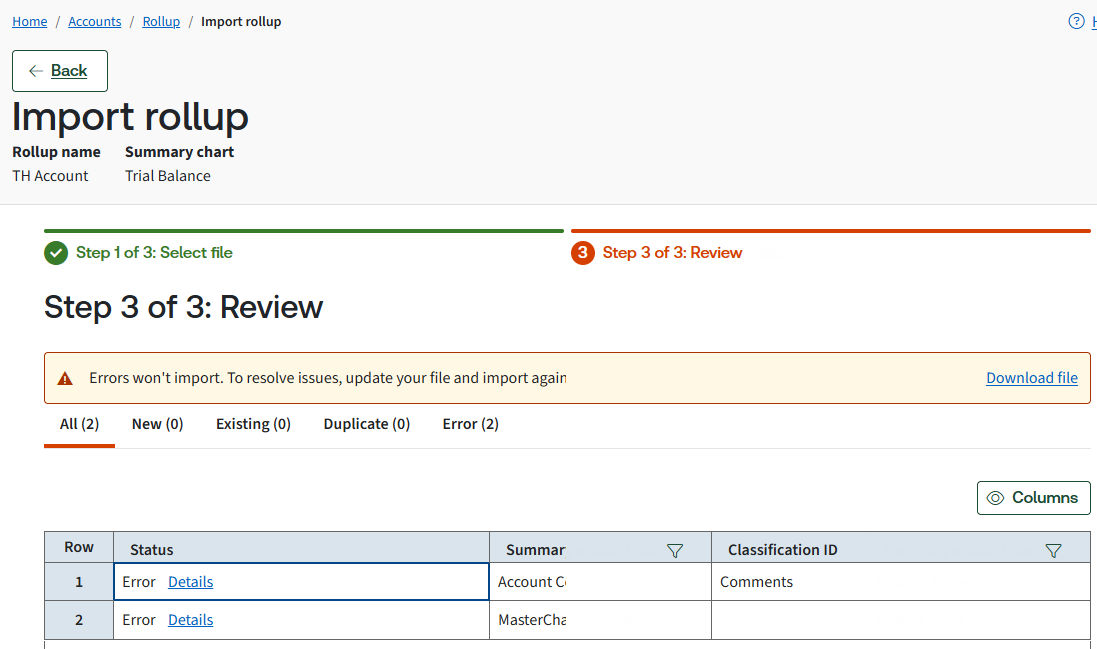
- SelectColumnsto add, remove, or reorder columns in your table, then selectApply.
- SelectFinishwhen you're done with the review.
- SelectConfirmto update the accounts.