
Add custom fields
- SelectSetupto set up the custom fields for the entities.

- SelectAdd Custom Fieldon theEntity Setupscreen.
- Enter aDisplay Nameand select aField typefrom the dropdown.
- SelectSave.noteYou can add up to 10 custom fields.
- Edit custom fields values.
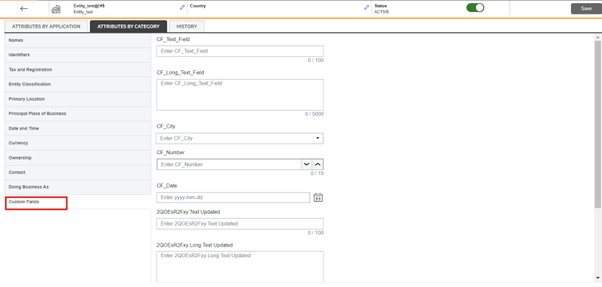
- After adding the custom fields, you can go to theAttributes by Categorytab to edit the values.
 noteThere is no import and export options for this feature underSetup.Once you've completed this set up, you'll use a regular entity import to populate the data.
- Import option 1: Add custom fields to existing import.
- Import option 2: New import for custom field data.