
Retrieve company, jurisdiction, and registration data with data discovery
Use plain language to ask CoCounsel Data Discovery questions about your ONESOURCE data and get instant results.
Follow these steps to use CoCounsel Data Discovery:
- Open CoCounsel and enter your question in plain, natural language (no technical knowledge required).
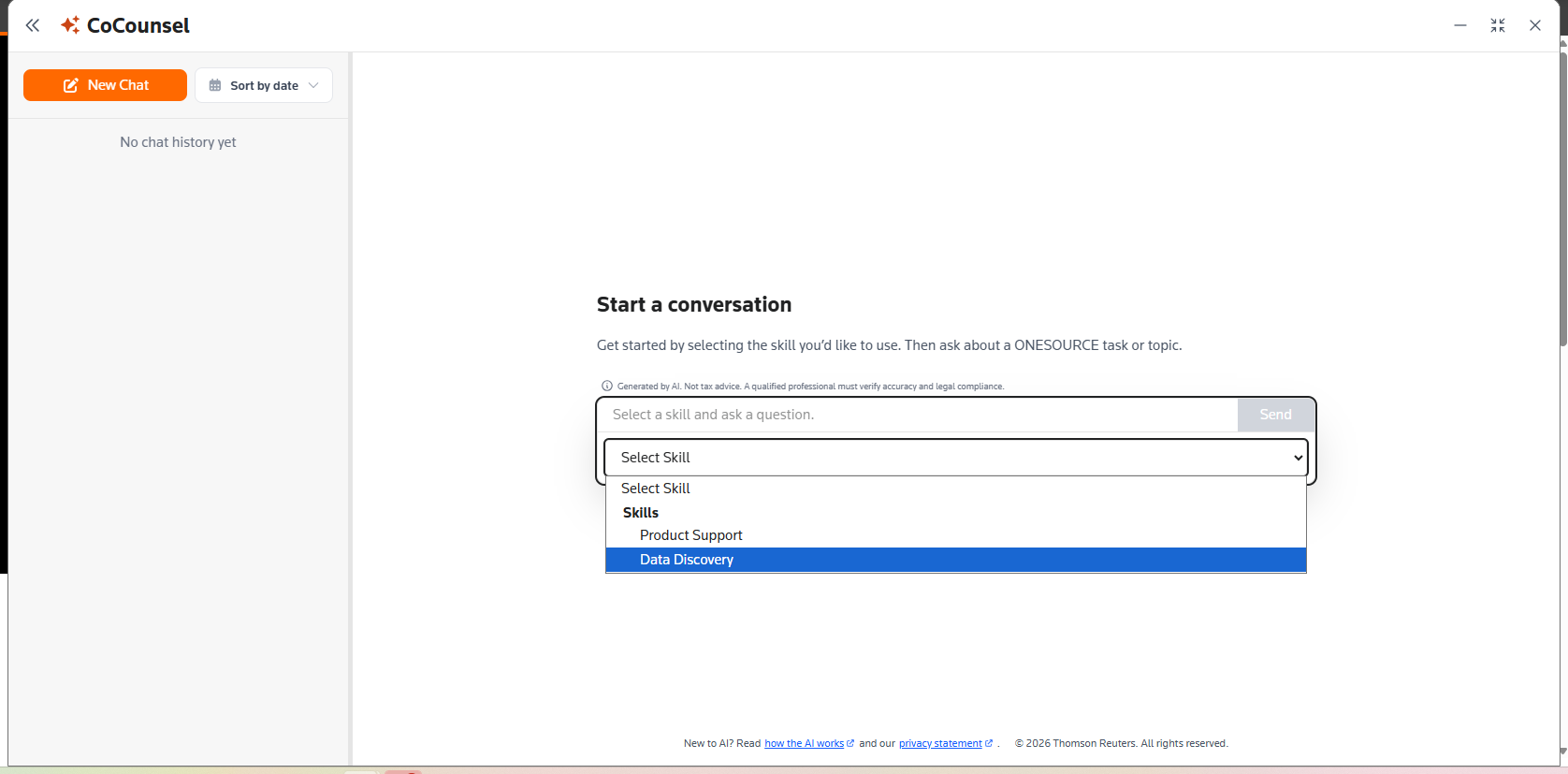
- Be clear about the type of data you want, such as company details, jurisdictions, or registrations. For example: “Show me company details for ABC Corp.”
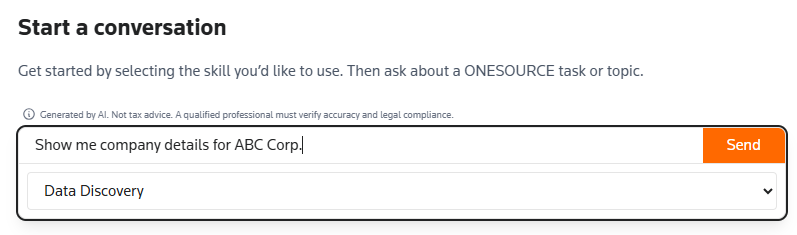
- Use specific identifiers in your query whenever possible, such as a company name, external company ID, or username.
- Ask 1 question at a time, since Data Discovery is optimized for single-intent queries. For example, ask for company details first, then follow up with a separate query for jurisdictions.
- Review the results, which CoCounsel will return in a formatted, human-readable response.
- If the results are incomplete or unexpected, refine your query by adding more specific identifiers, including filters, or clarifying which entity you mean.
- If you get no results, verify that the data exists and that you have the correct access permissions, then try again with more specific identifiers.
- If access is denied, verify that your ONESOURCE user roles are set up correctly.noteData Discovery is read-only, meaning it can't create, update, or delete any configuration data. Results may also vary depending on your query clarity, data availability, and your permission level.