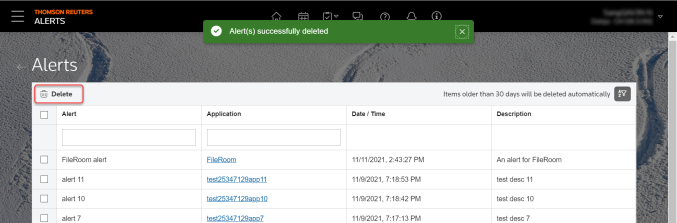
Alerts
The Alerts feature on the ONESOURCE platform toolbar allows you to set up notifications about your work. The Alerts page shows alerts for up to 30 days. These alerts are created by you and are only visible to you.
How to use Alerts on the platform
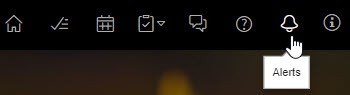
- SelectAlerton the top toolbar.noteIf you've set up an alert in Workflow Manager (if licensed) theAlertspage opens.

- SelectFilter
 to show only AlertsorApplications.
- You can sort the alerts byAlertorApplicationin ascending or descending order.
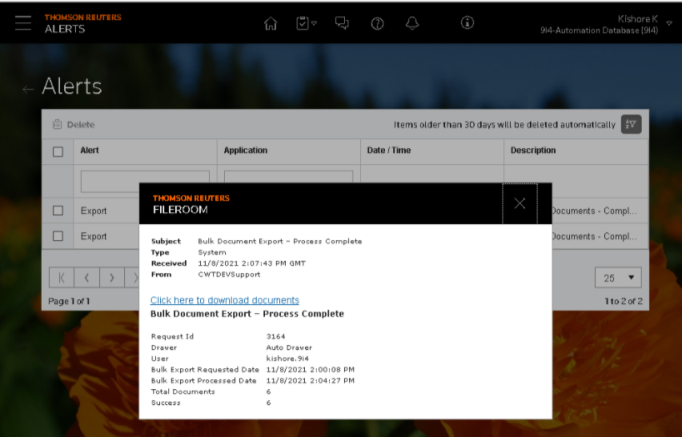
- Select the link in the Application column to see details about the alert.
- SelectDeleteon the top corner of the screen to remove one or more alerts.