Switch between Onvio and Client Center
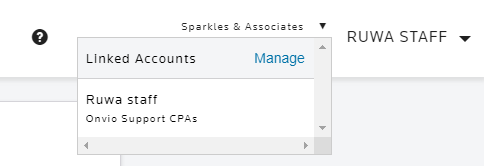
If your Onvio staff account is linked to one or more Onvio Client Center accounts, you'll see a dropdown by your user icon or name.
To switch between your staff and client-linked accounts, choose the other account from the dropdown.
From Onvio:
Select
Manage
to access the client-linked account.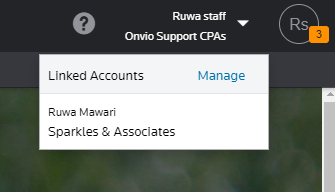
From Onvio Client Center:
Select
Manage
to switch back your staff-linked account.