
Introduction to Connectivity
The Connectivity web is our new home for all things relating to platform connectivity. The 1st significant feature released is self-service capabilities for users to configure and activate HTTPS and/or SFTP connections to and/or from Pagero Network.
The homepage of the Connectivity web offers a centralized overview for configuring and managing connectivity workflows. It displays company integration users and their statuses, supports protocol set up for both inbound and outbound communication (SFTP (Pagero File Exchange), HTTPS), and provides shortcuts to essential tools like the Connectivity toolkit and company profile web.

Let’s go through each card on the start page.
Company integration users
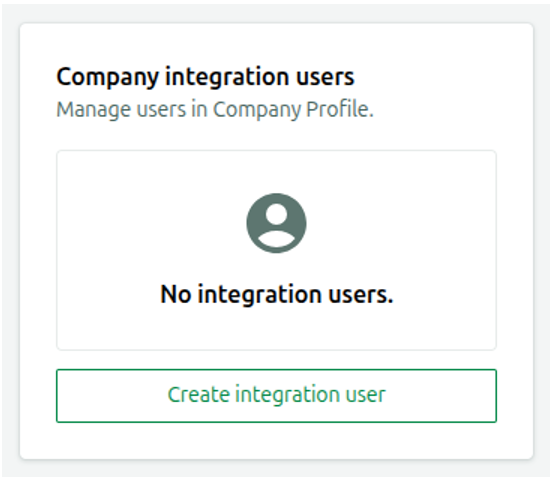
The Company integration users card displays a list of users associated with your company, along with their current status; either Active or Inactive. Each entry includes the user’s email address for reference. User management actions, such as adding or editing integration users, are handled through the “Company Profile”.

If no valid users are available at sign in, the application displays a “Create Integration User” button. Clicking it redirects you to the “Add New User” panel in the “Company Profile”, where you can set up a new integration user and continue managing connections.
Shortcuts
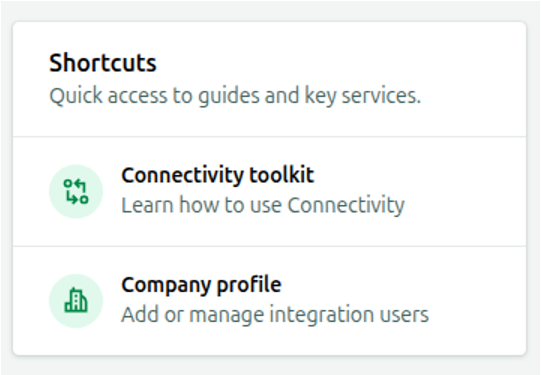
This Card gives you quick access to our “Connectivity toolkit” where you can find more detailed technical documentation and “Company Profile” where you manage integration users etc.
Connectivity toolkit
Pagero connectivity toolkit is a collection of tools and guides for integrating with Pagero Network. You can use this to learn how to use connectivity.
Company Profile
You can use this shortcut to add and manage users of the company that you are logged in to.From Pagero
Here you can configure communication protocols through which documents will be received from Pagero.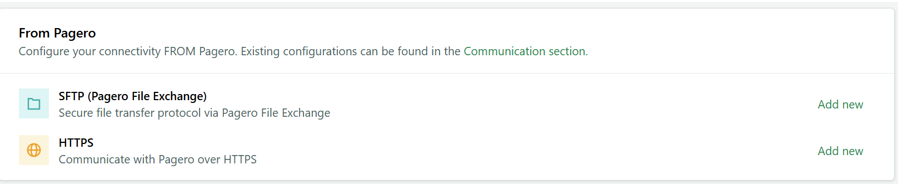
To Pagero
Here you can configure communication protocols through which documents will be sent to Pagero.
Related Content
-
Test/verify connectivity
Format: Article,
2 min read
Article,
2 min read
-
Delete connectivity configuration
Format:
Article,
1 min read