
Test/verify connectivity
You can test your established HTTPS and SFTP (Pagero File Exchange) connections.
An active company integration user is required to test SFTP (Pagero File Exchange) connections, but it is not necessary for HTTPS. Here you instead will be required to enter a valid endpoint URL to your HTTP server, and the appropriate authentication details.
A “Test connection” button will be available for all HTTPS and SFTP (Pagero File Exchange) connections.
For SFTP

For HTTPS
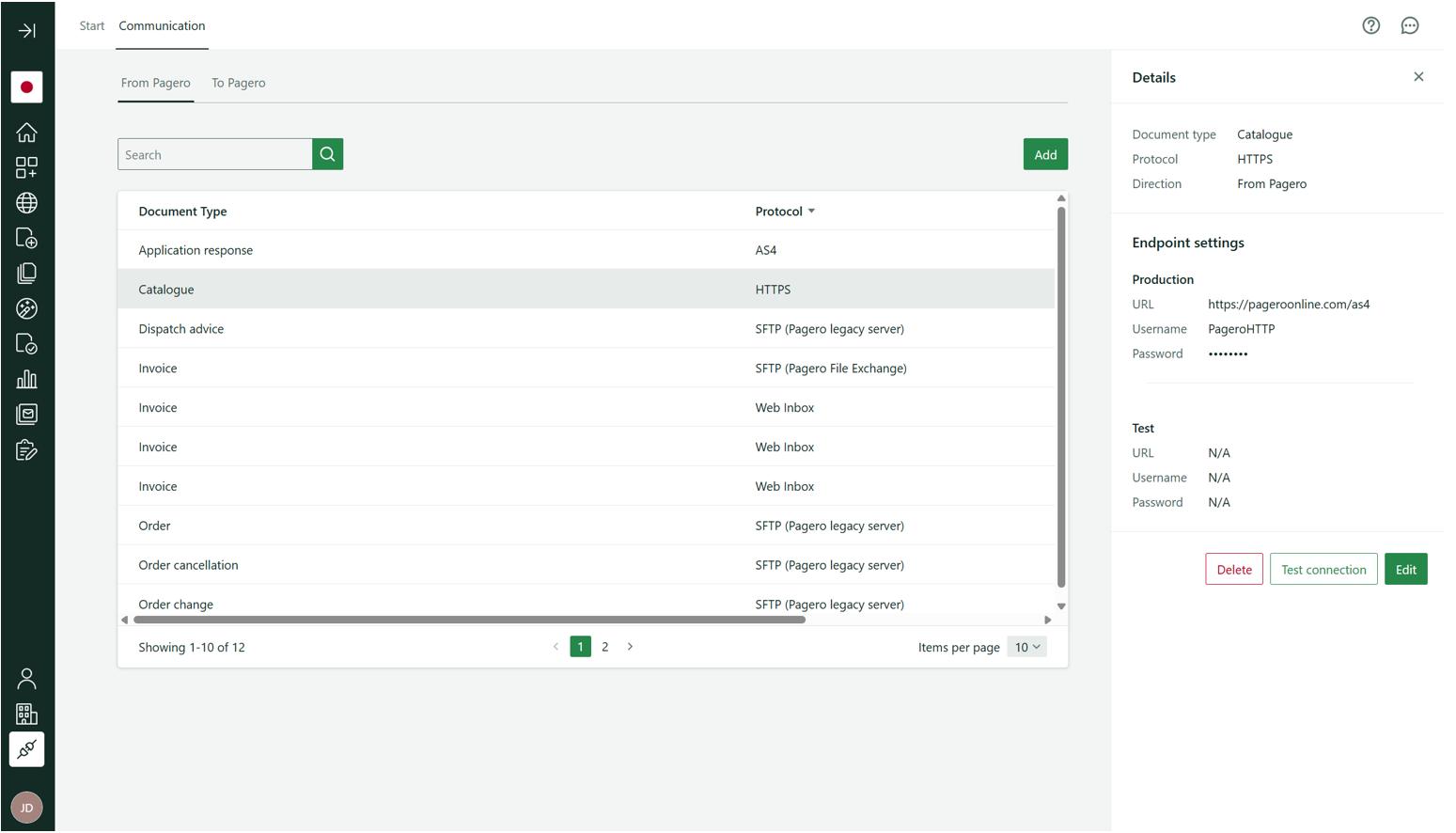
Select
Test connection
to initiate the connection test.Select the
send mode
you would like to test – either test or production – and select the Test
. This will put a test file in the applicable directory in your SFTP account on our server, or push a test file to your external HTTPS endpoint depending on the protocol selected.
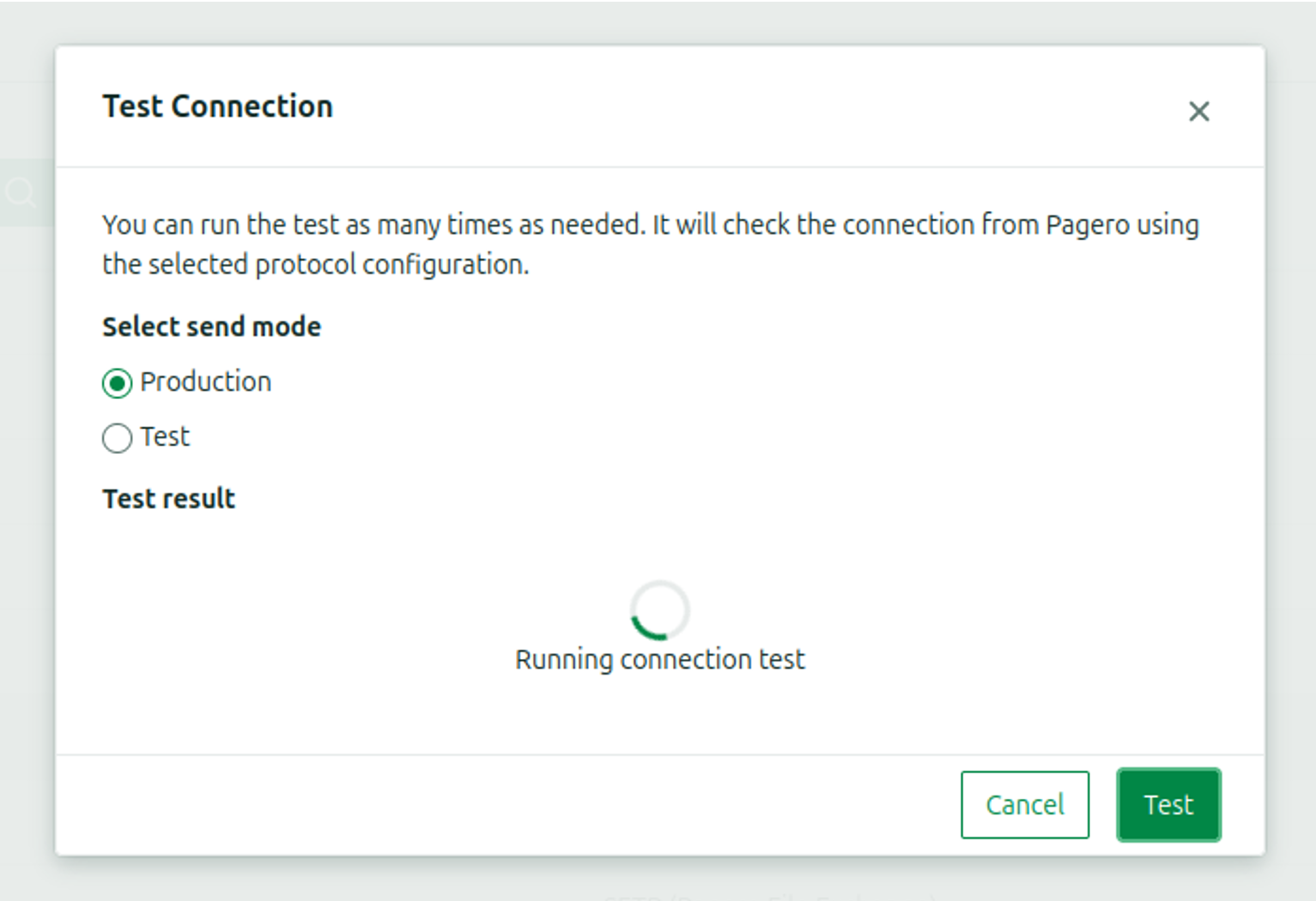
You can run this test as many times as you want; unique file instances will be generated and put/pushed to the server.
A successful connection test will display the message following with all the relevant details.
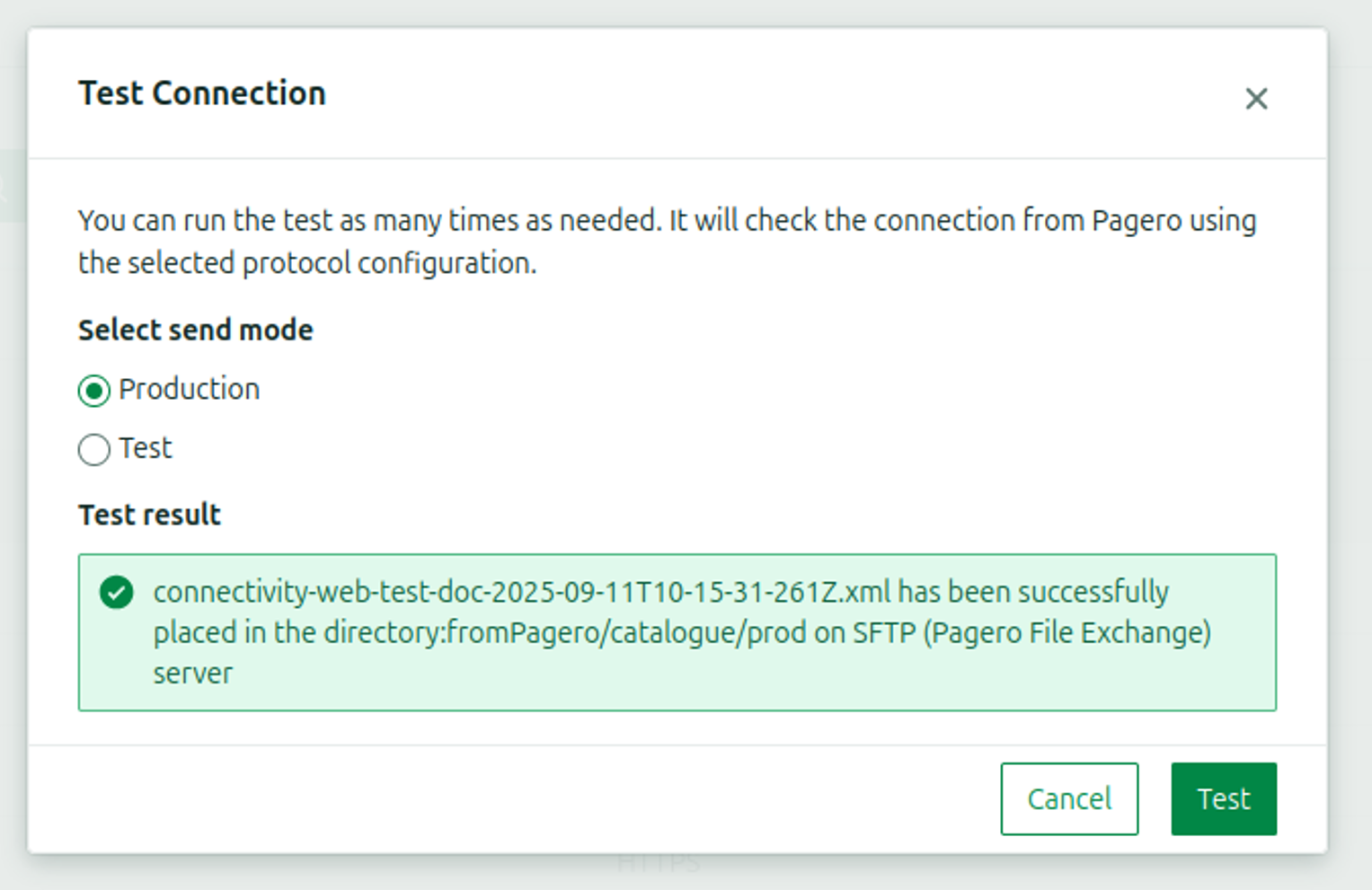
In case the connection test fails, refresh the page and select
Test
again. If the issue persists, reach out to Pagero Support.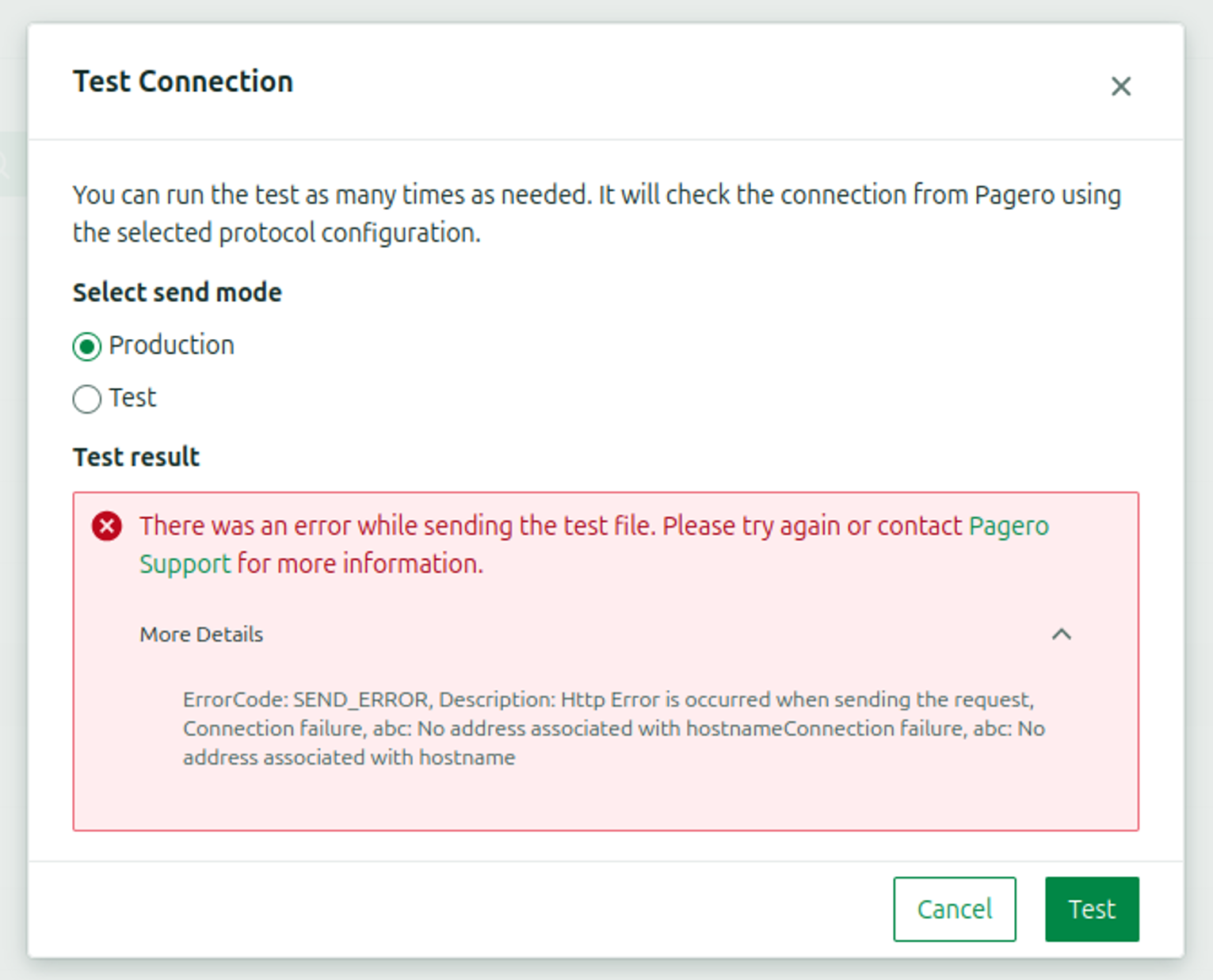
note
Additional technical error details are available by clicking the down arrow to expand the More Details section. A screenshot of this will help Pagero Support assist you faster.
Related Content
-
Introduction to Connectivity
Format: Article,
3 min read
Article,
3 min read