
Standard documents and standard clauses
Standard Documents and Standard Clauses are written by our team of expert attorney-editors, who keep them up to date with current law and market practice. The integrated drafting notes help you to customize them with confidence.
Browse Standard Documents and Standard Clauses
- Go to the homepage and selectStandard DocumentsorStandard Clauseson theResource Typestab
- Select a Practice Area, Sector, or Jurisdiction
- Apply filters or use theSearch barto narrow the list
- Select the title of a Standard Document or Standard Clause from the list to open it.
Uses of Standard Documents and Standard Clauses
You can use Standard Documents and Standard Clauses to:
- Quickly create drafts with minimal rework
- Handle drafting in-house, even with less experienced attorneys
- Identify when language favors one party over another
Drafting notes
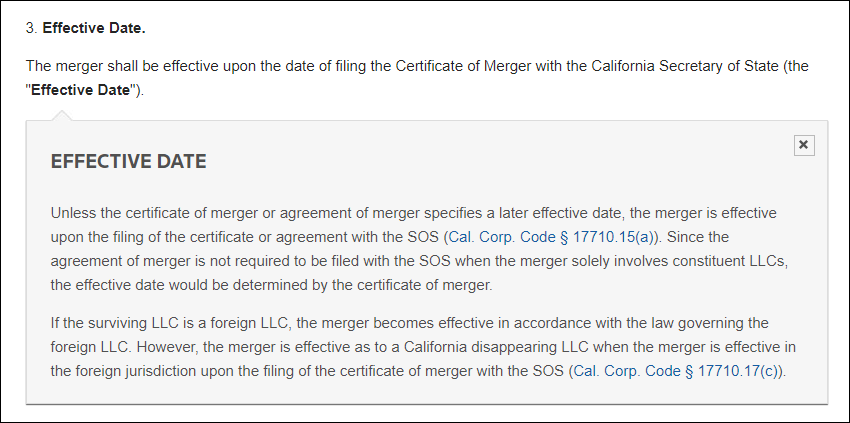
When you open a Standard Document or Standard Clause, the drafting notes are shown as buttons. Select an individual drafting note button to show the text or use the toolbar to show or hide all drafting notes.
Drafting notes provide explanations and drafting tips, such as:
- The purpose of the document
- Sources of controlling law
- Details about treatment in different jurisdictions
- Alerts when language favors one party over another
- Links to otherPractical Lawresources
- Definitions
Example drafting note
Related Content
-
Resources in Practical Law
Format: Article,
2 min read
Article,
2 min read

