
Obtain M2M client credentials
Obtain the client ID, client secret, and audience values that your firm needs to generate an M2M access token.
SafeSend provides M2M credentials at the firm level. All applications and integrations for the firm use the same client ID, client secret, and audience values.
- Go to the SafeSend returns website and sign in.
- Go to the Tools section, then selectDeveloper Section.
- Record the client ID, client secret, and audience information from theDeveloperpage.SafeSend shows the client ID and audience variable at all times. These values remain static unless SafeSend changes the firm configuration.
- SelectRegenerateon the secret key to generate the client secret.
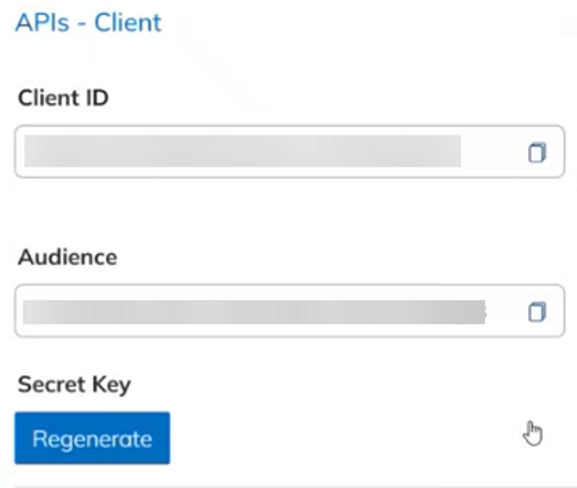
- Copy and securely store the client secret.SafeSend shows the client secret only once. After you leave or refresh the page, you can't view the secret again. Generate a new secret if you don't save the current secret.
You have the client ID, client secret, and audience values required to request an M2M access token.