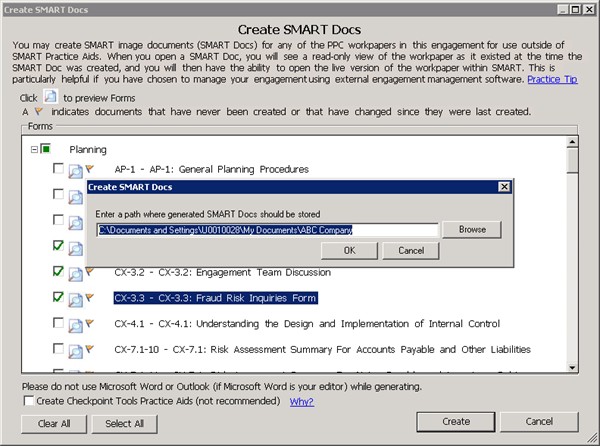
Create SMART Docs
You can create SMART image documents (SMART Docs) for any of the PPC workpapers in your engagement for use outside of SMART Practice Aids, such as for storing them in your engagement management software. Select
Create SMART Docs
from the Tools
menu.To make it easy to stay in sync with workpapers you have stored in your engagement software, a flag icon next to the document name indicates that the document has never been created, or that it has changed since the last time it was created.
To Create SMART Docs:
- ClickCreateto begin the process.
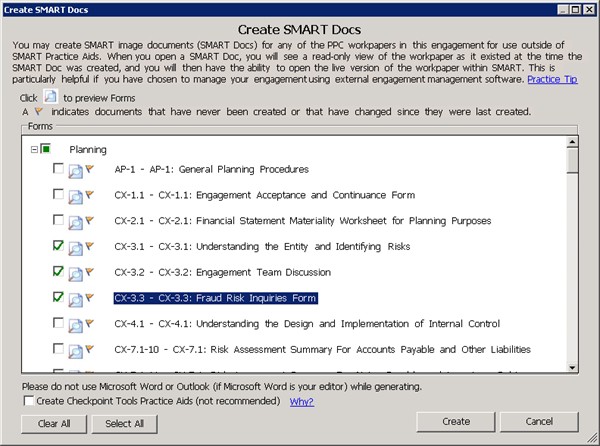
- Enter a path where generated SMART Docs should be stored, or clickBrowseto select the folder location.
- ClickOK.
You will then access the generated SMART Docs from that selected folder location, outside of SMART.