
How to Add Forms
While completing a procedure, you can add additional forms that are available for that procedure from
Practical Considerations
. To add a form:- In the review engagement, click theMore...link. TheProcedure Details for Review Procedureswindow opens.
- ClickPractical Considerations. The Practical Considerations window opens with details of any additional forms you can add to the procedure.
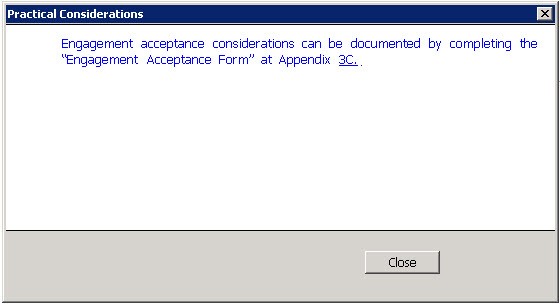
- Double-click the link to the form. TheGo to/Link To Workpaperwindow opens.
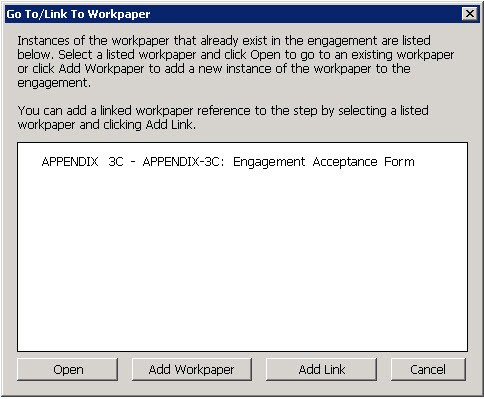
- Select the required form and clickOpento go to the form or clickAdd Linkto add a link to the form in that particular step.