
Disclosure Keyword Search
You can perform a keyword search of the Disclosure Libraries for the engagement you are working on.
To perform a keyword search:
- Open theDisclosure Checklistfor your engagement.
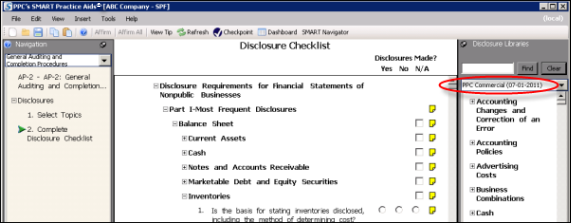
- From the drop-down menu in the right-hand pane, select a library to search (PPC Commercial or Firm Library, for example).
- Type a search term in the field provided (here: "license") and clickFind.
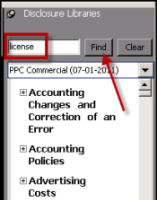 noteAfter you click Find, your search results are filtered so that only disclosure examples that contain your search term are displayed.
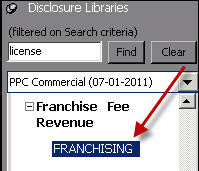
 - Select a disclosure example that you are interested in (such as Franchise Fee Revenue), and for this example, double-clickFRANCHISING.
 Notice that each occurrence of your search term is highlighted.
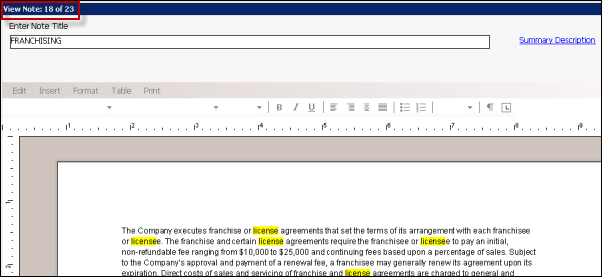 noteIn this example, your search term appears in 23 disclosure examples, this one being the 18th of the 23 examples.
 - Click thePreviousorNextbutton at the bottom of the window to look for your search term in other disclosure examples.