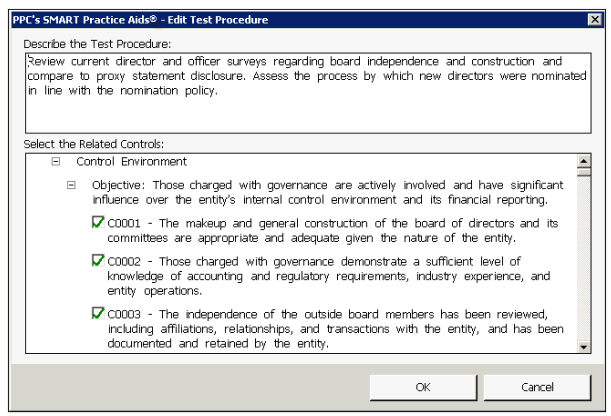
Edit Test Procedure
There are two ways you can display this window to edit a procedure:
- Select the procedure and then clickModifyon theEditmenu.
- Right-click the procedure and selectEditfrom the shortcut menu.
You edit the test procedure by clicking in the
Describe the Test Procedure
area and typing your changes. Any new text you type appears in red.