
Opening a fully auto-verified binder
Upon the initial opening of a 1040 or 1041 1040SCAN PRO binder in Review Wizard on Web, if all fields have been auto-verified upon its initial launch, you will see a message indicating that no further action is required:
"
Binder ID for [taxpayer name] has been auto-verified. No further action is needed. You can close the tab.
"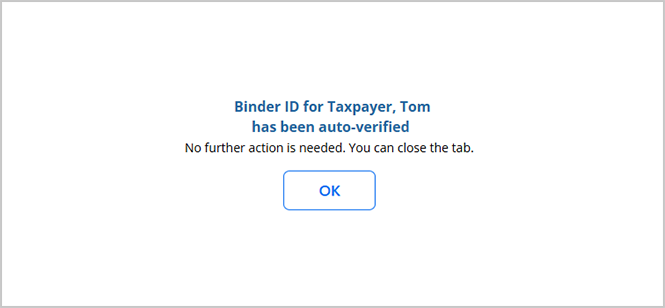
When this happens, you can select
OK
to proceed in reviewing this binder in the Finalization Wizard, or in SPbinder, depending on the binder's Leadsheet type.Binders with Classic Leadsheets
After selecting
OK
for a binder with Classic Leadsheets, Review Wizard on Web will automatically launch SPbinder for further processing.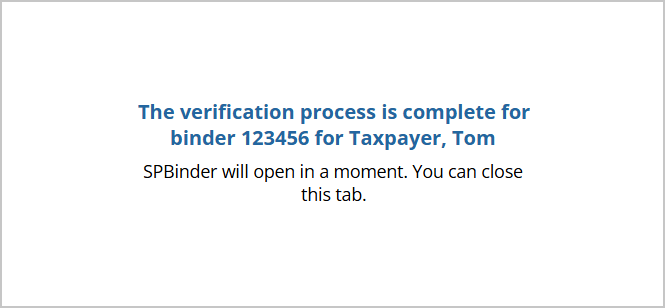
Binder with Simplified or None Leadsheets
After selecting OK for a binder with Simplified or None Leadsheets, Review Wizard on Web will automatically launch the Finalization Wizard for further processing.
Related Content
-
Step 7 - Finalization
Format: Article

