
Deleting transactions
Delete transaction(s)
You can delete the unwanted data from the Verification wizard.
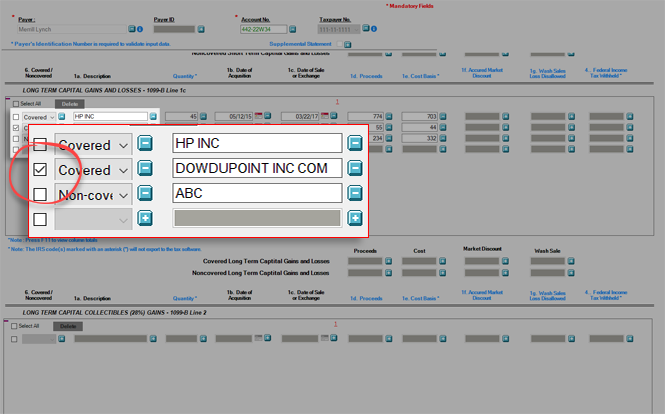
To delete an unwanted transaction(s) data from the Verification wizard, select the check box to the left of the particular transaction.
If you want to select all transaction, select the
Select All
check box on the upper left side of the Panel.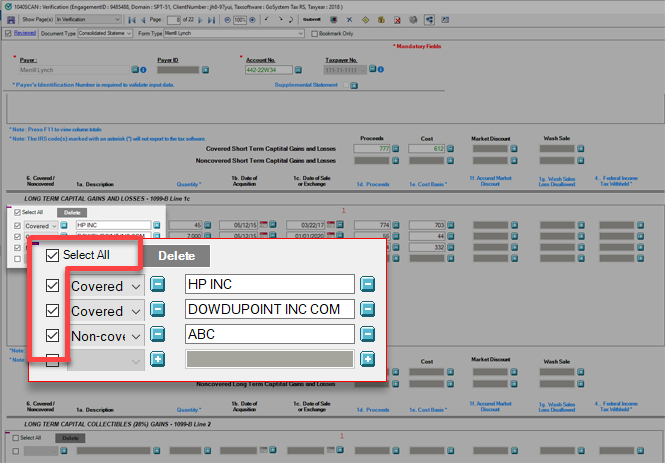
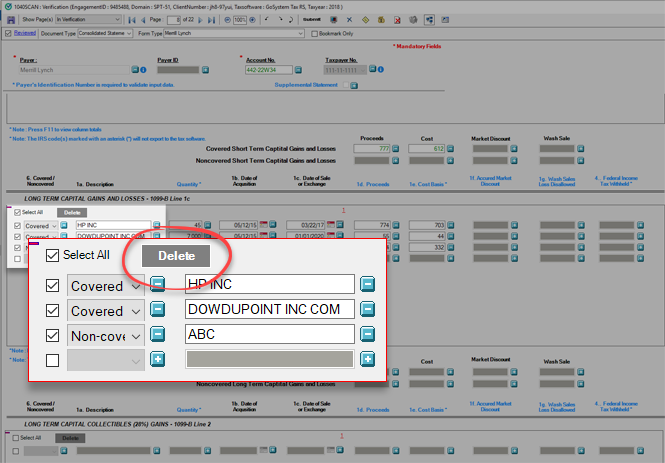
Select
Delete
.
On the confirmation window, select
Yes
to delete the transaction(s).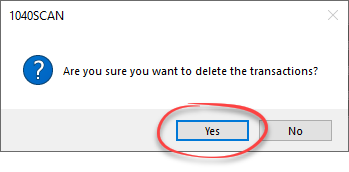
This will delete the selected transactions from the Verification wizard.
Related Content
-
Step 2 - Verification
Format: Article

