
Skipping unidentified pages during verification
You can opt to skip unidentified pages during verification.
tip
This section will not be visible if you opt to skip
Step 2: Verification
from Skip Selected Review Steps
section. - Go toFileRoom,Admin, thenReview Wizard.

- Locate theStep 2: Verificationsection.
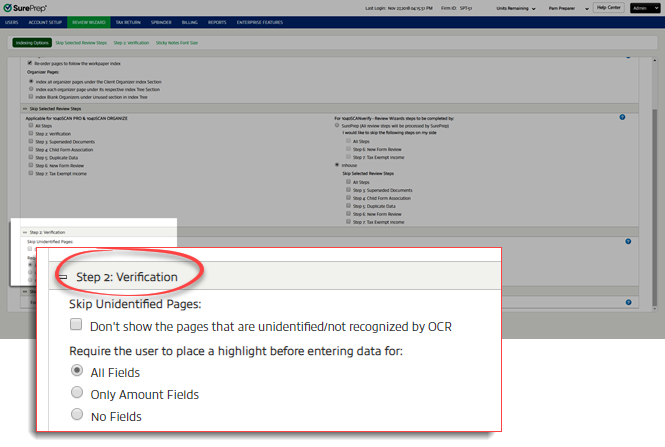
- UnderSkip Unidentified Pages, select the box forDon't show the pages that are unidentified/not recognized by OCR.In SPBinder, unidentified pages will appear in the thumbnail section and will be bookmarked under the unidentified node in SPbinder workpapers / DreamWorkpapers.

Related Content
-
Step 2 - Verification
Format: Article

