
Submit data
After verifying all the pages, you can submit the engagement to proceed to the next step in the Review Wizard. Before submitting, ensure you have verified all pages. Once you submit the engagement, you won't be able to return to the Verification Wizard step in the Review Wizard.
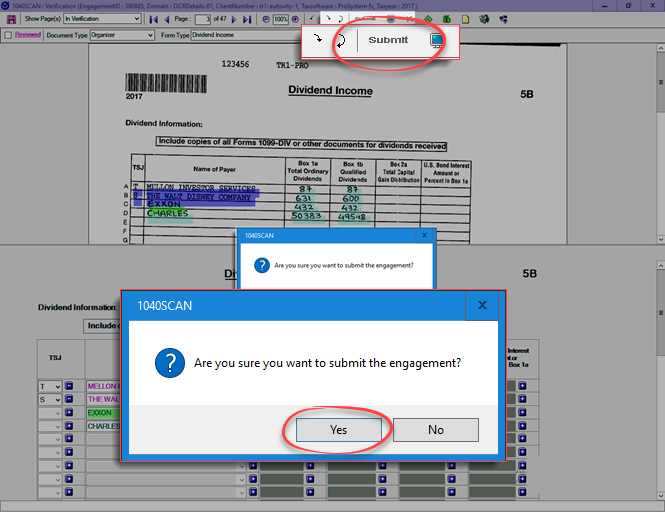
- SelectSubmitafter reviewing all data inVerification Wizard.
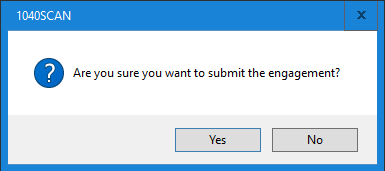
- SelectYesto move to the next wizard.
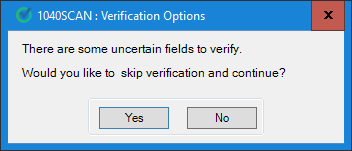
- window appears if any uncertain fields remain unverified.The Verification Options
- SelectYesto continue.
 notePages marked asBookmark Only,Prior Year,Not In Proper Order, orIncorrect SSNwon’t trigger this window if the fields are uncertain, empty, mandatory, or don’t meet business rules.
 - SelectYesto address an uncertain field (a field marked uncertain by the system). For verification and correction.
- SelectNoto view fields with uncertain data for verification and correction.
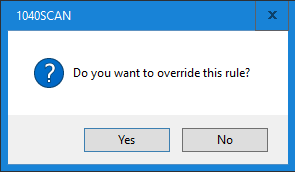
- SelectYesto move to the next wizard.
Related Content
-
Step 2 - Verification
Format: Article

