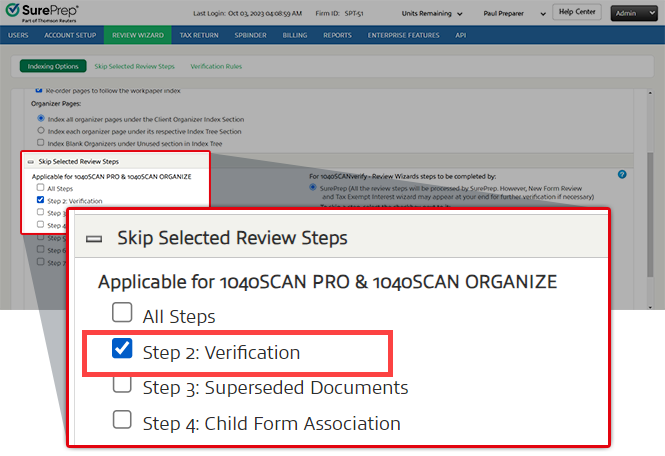
Verification step skipped
The Review Wizards lets you verify a binder in multiple steps; each step only appears if necessary, otherwise, it skips to the next step. The Verification Wizard (Step 2) may not appear if all the pages in the binder were auto-verified as native PDF. Additionally, some pages may also not appear during verification if the firm placed a SurePrep barcode to save as a favorite.
Binders with all native PDF documents
If all the pages in a submitted binder are auto-verified using the native PDF's text layer, then the binder will skip the Verification Wizard (Step 2), and proceed to the next step.
OCR auto-verifies these pages of this engagement. Select
OK
to advance to the next Review Wizard step.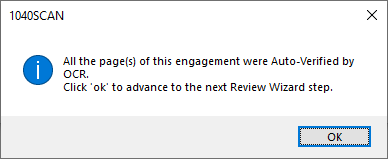
Page skipped from verification
During verification, pages that were uploaded with SurePrep's
Bookmark Only
barcode will skip to the next Review Wizard step and won’t appear in the Verification Wizard step.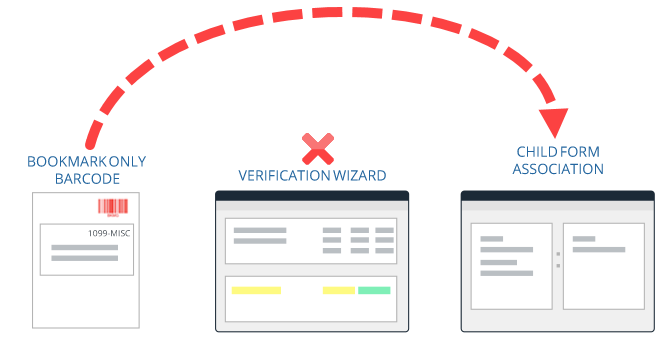
Firm-level settings
The Verification Wizard can also be skipped for In-house preparation if the firm-level settings are selected to skip this step.