
Add quick notes
Follow these steps to add a new quick note:
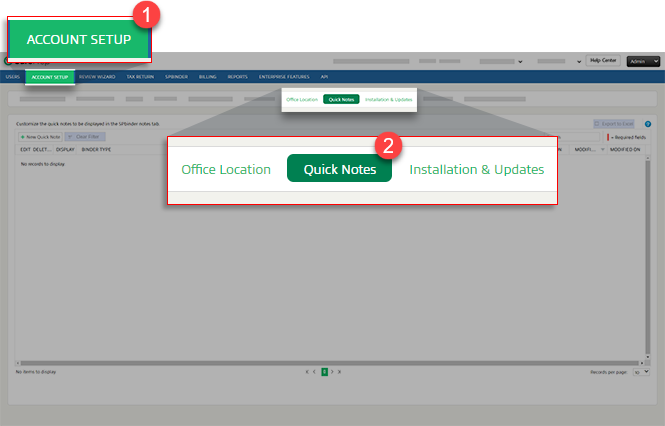
- SelectFileRoom,Admin,Account Setup, thenQuick Notes.
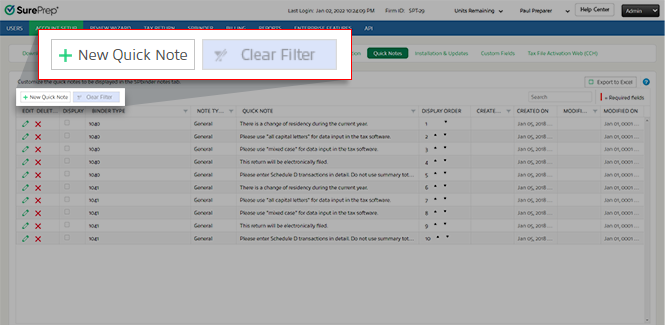
- SelectNew Quick Note.
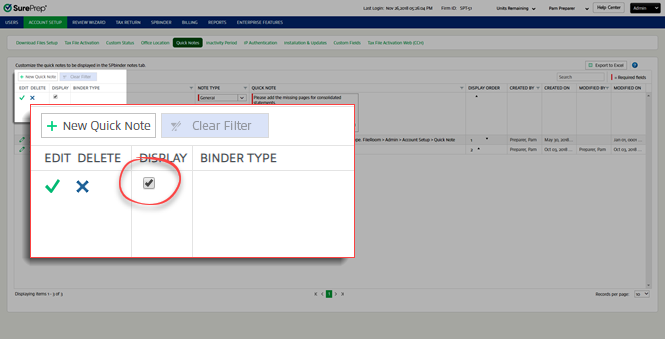
- When a new row appears, mark the checkbox in theDisplaycolumn to make this note available to the selectedBinder Type.
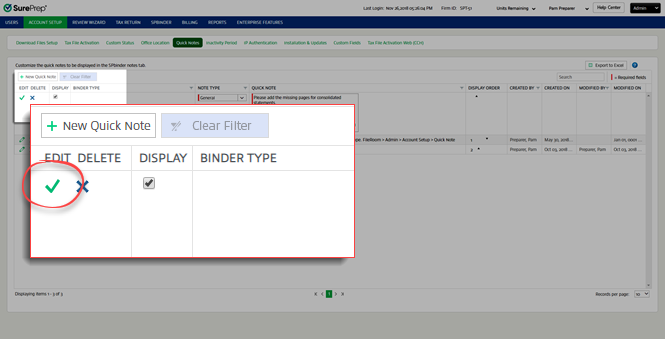
- UnderBinder Type, select the binder types for the note. SelectSave.
- In theNote Typelist, select a category for the note.

- Enter the note text in theQuick Notewindow.

- SelectSave.
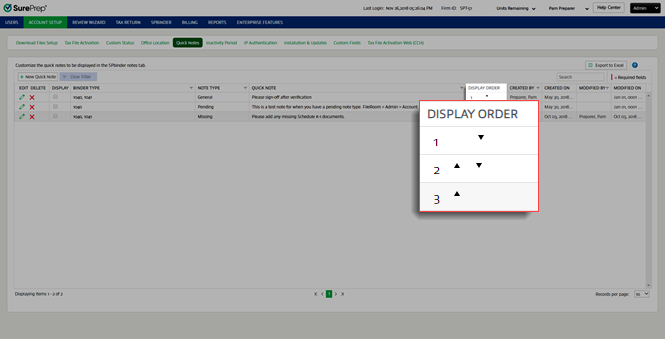
- Once you save your quick note, you can adjust the display order using the arrows in theDisplay Ordercolumn.
After saving quick notes in
Account Admin
, you can open SPbinder and select the quick note you want to add.Related Content
-
SurePrep Outsource
Format: Article

