
7216 Consent > Updating existing binders with consent
note
7216 requires that tax preparers receive taxpayer consent before disclosing taxpayer information to third-party individuals who provide “substantive determinations or advice affecting the tax liability reported by taxpayers” or any individual located outside the United States. If the 7216 Consent feature is enabled, the 7216 access restriction will apply to all binder services and TaxCaddy Client Profiles.
Users assigned to a group with Restrict Access permission require 7216 consent to access the binder/client or become Owners/Assigned Members. You can update existing binders to enable or disable 7216 Consent. Once you add the 7216 consent to the binder, 7216 restricted users will be able to access the binder/client profile and become binder/client Owners and Assigned Members (in FileRoom and TaxCaddy). 7216 access restrictions apply to all services.
Follow these steps to update
7216 Consent
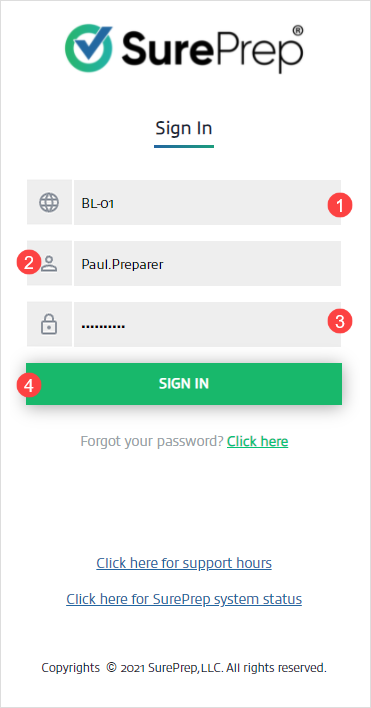
from an existing binder:- Sign in to SurePrep .
- Select theEdit
 icon next to the binder you want to edit.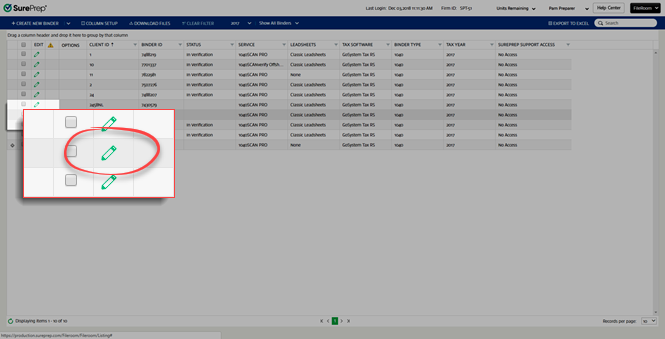
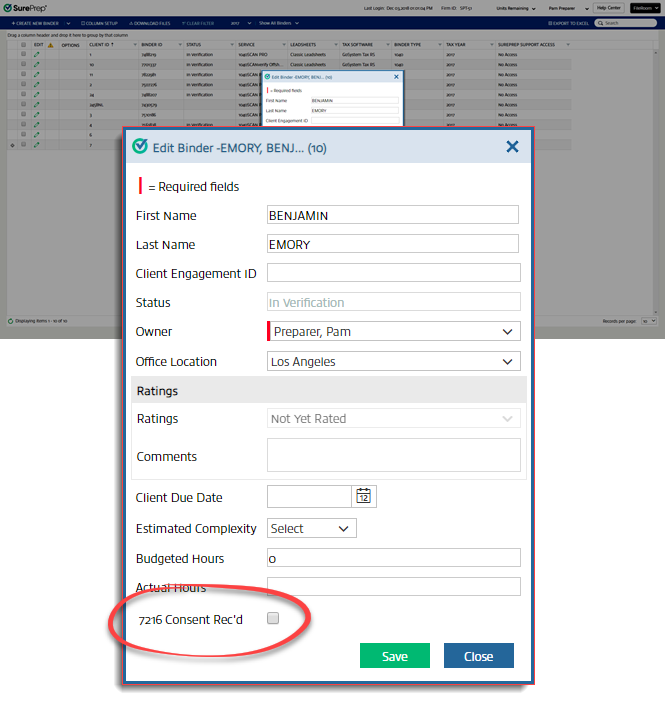
- TheEdit Binderwindow appears. For7216 Consent Rec'd, select the checkbox to indicate 7216 consent has been received.noteThe service can't be changed from Onshore to Offshore after the7216 Consent Rec'dwould field has been selected on a binder.
 7216 consent can only be removed by users with theCan undo 7216 Consent Receivedpermissions.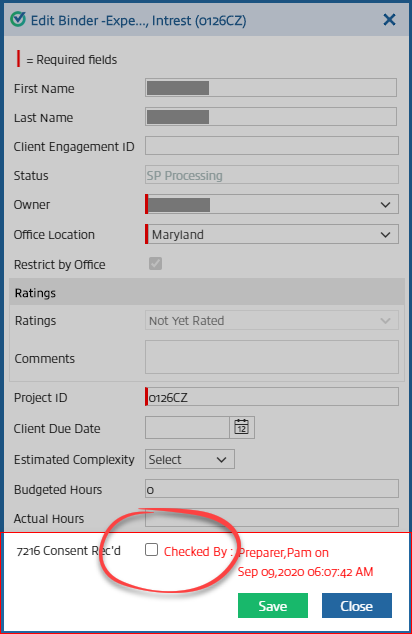
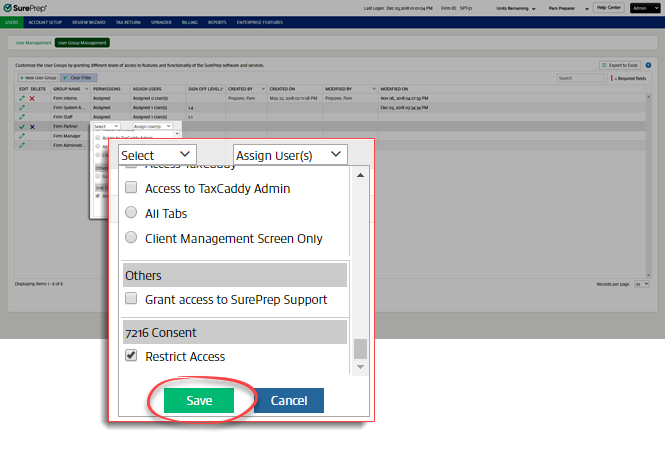
- SelectSaveto update the binder. Now that the binder has 7216 consent, users who have theRestrict Accesspermission under7216 Consentwill now see the binder appear in the list of binders in FileRoom. Users without theRestrict Accesspermission will still be able to see the binder like they could previously.
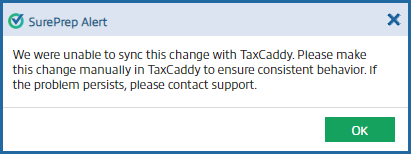
You will see the following warning message if the changes couldn’t be synced with TaxCaddy:
We were unable to sync this change with TaxCaddy. Make this change manually in TaxCaddy to ensure consistent behavior. If the problem persists, contact support.
To ensure consistent behavior between FileRoom and TaxCaddy, update the TaxCaddy client profile to match the Owner and Assigned Members in FileRoom.

