
7216 Consent > Use TaxCaddy with 7216 consent
note
7216 requires that tax preparers receive taxpayer consent before disclosing taxpayer information to third-party individuals who provide “substantive determinations or advice affecting the tax liability reported by taxpayers” or any individual located outside the United States. If the 7216 Consent feature is enabled, the 7216 access restriction will apply to all binder services and TaxCaddy Client Profiles.
If you use the 7216 consent feature with TaxCaddy, note what happens when you create a binder from TaxCaddy. When a binder is created without 7216 consent, any users who are restricted from accessing binders without 7216 consent will lose access to the client.
The following happens if a user is restricted from accessing binders and TaxCaddy Client Profile without 7216 consent and a binder or Client Profile are created without 7216 consent:
The client will no longer appear in that (7216 restricted) user's
Clients I'm Following.
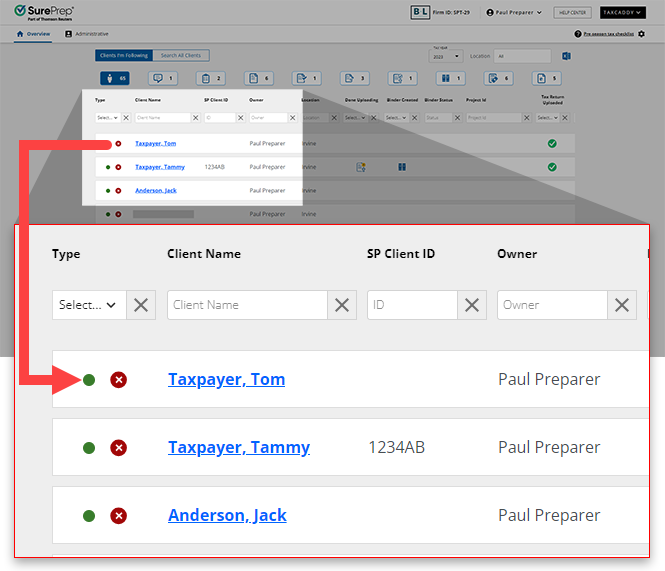
That user will no longer see the client in search results.
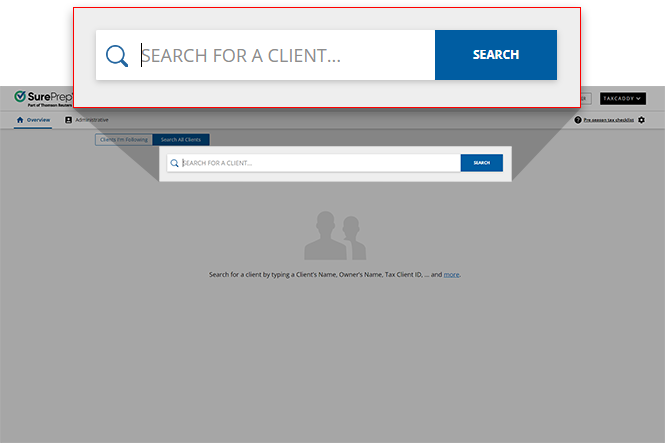
If you were the client's Owner, you will be removed as the owner.
If member engagement teams (Assign Members) are used, any users who are restricted from accessing binders will be removed from the member engagement team.

On the
Client Management
screen, you will see a Limited Access
notification if you don’t have permission to view clients without 7216 Consent. You will only see clients that have given 7216 Consent.The red toast notification indicates you are restricted from accessing the Client Profile due to the following reasons:
- 7216 feature isenabledby your firm.
- You are assigned to a user group that requires 7216 consent

If the firm has no clients with 7216 Consent then you will see no matching records on the
CLIENT MANAGEMENT
screen.
When choosing an owner for a client, you won’t see Owners (users) with 7216 consent restrictions in the dropdown list if 7216 Restriction is enabled. Preventing you from accidentally selecting a user with 7216 consent restrictions.

If 7216 consent has been received then the Firm System Administrator or another user with access to the Client Profile can update 7216 Consent from the Client Profile in TaxCaddy.


