
Edit office locations
Follow these steps to edit office locations:
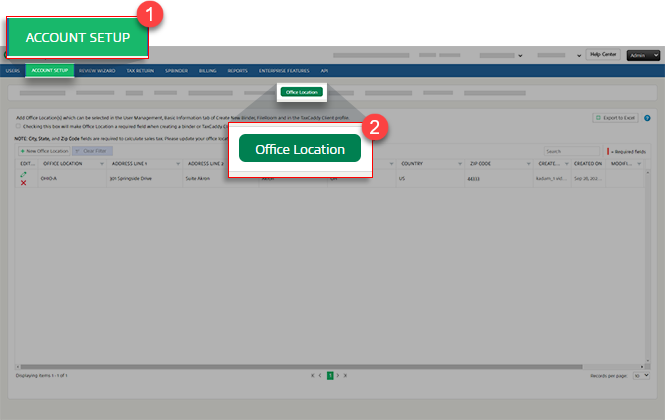
- SelectFileRoom,Admin,Account Setup, thenOffice Location.
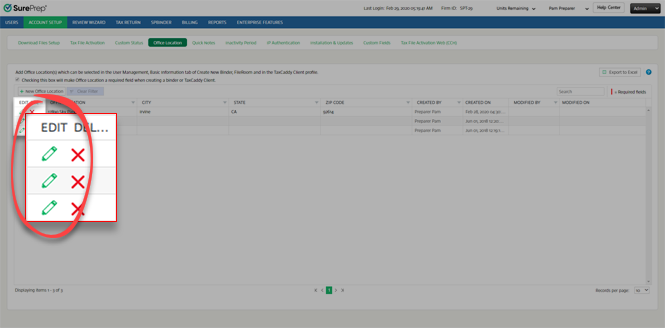
- To update/modify the office location, selectEdit
 .
.
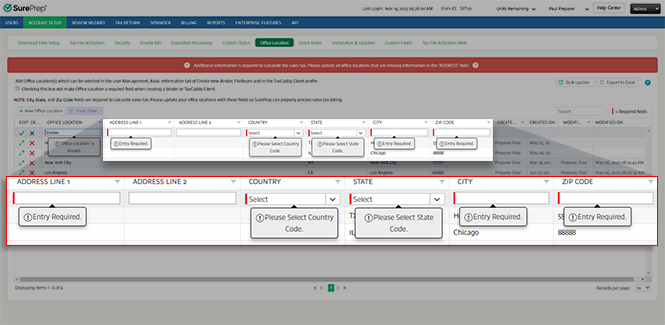
- Enter all the required fields marked with a red line. Enter a name used to identify the office location in theOffice Locationfield. EnterAddress Line 1,Country,City,State, andZip Code.
 noteEnter a 9-digit ZIP Code (for example, 12345-6789) instead of 5 digits.
 - SelectSave
 .
.
Related Content
-
About office locations
Format: Article

